


The Hidden SEO Challenge Most Shopify Store Owners Don’t See Coming
You’ve just launched your dream Shopify store, invested thousands in inventory, and created stunning product pages. Three months later, you’re barely ranking on Google’s second page while your competitor with an uglier website is dominating the first page. Sound familiar?
The culprit isn’t your products or pricing—it’s likely how Shopify’s Content Management System is silently sabotaging your technical SEO efforts. After eight years of providing Shopify SEO services to hundreds of e-commerce businesses, I’ve seen this scenario play out countless times. The good news? Once you understand how Shopify’s CMS architecture impacts your search visibility, you can turn these limitations into competitive advantages.
What Makes Shopify’s CMS Different from Traditional Platforms?
Shopify operates as a Software-as-a-Service (SaaS) platform, which means you’re essentially renting space on their servers rather than having full control over your website’s technical infrastructure. This fundamental difference creates unique SEO challenges that don’t exist with self-hosted solutions like WordPress or Magento.
Unlike traditional CMS platforms where you have root access to your server files, Shopify restricts your ability to modify core functionality. You can’t directly edit .htaccess files, implement custom server-side redirects, or optimize database queries. This locked-down approach, while ensuring stability and security, creates specific technical SEO hurdles that require creative workarounds.
The platform uses Liquid templating language, which limits how you can structure your HTML output compared to PHP-based systems. Additionally, Shopify’s URL structure follows predetermined patterns that you cannot fully customize, affecting how search engines crawl and index your content.
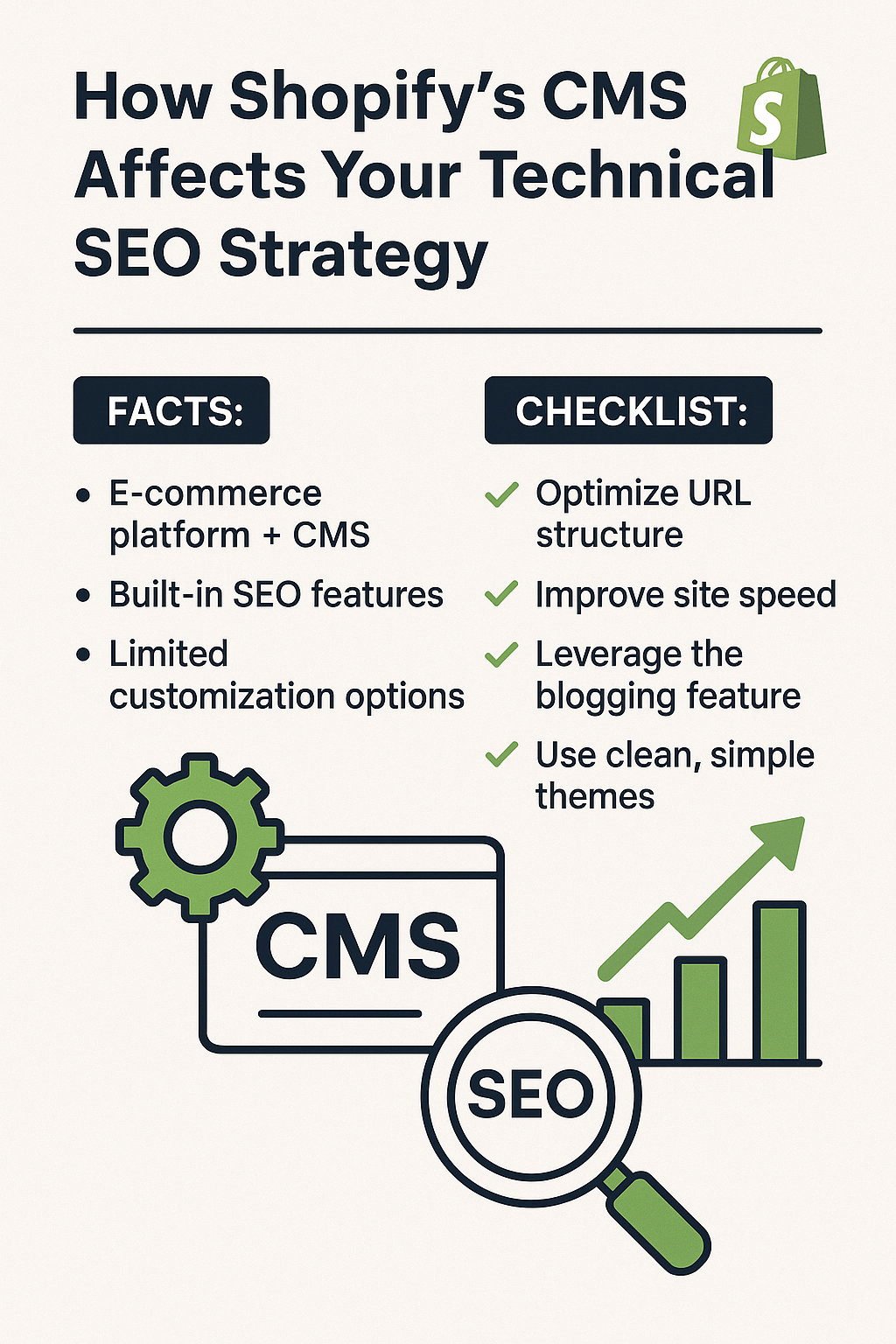
How Does Shopify’s URL Structure Impact Your Search Rankings?
Shopify automatically generates URLs based on its internal logic, often creating suboptimal structures for SEO. For instance, collection pages include “/collections/” in the URL path, and blog posts contain “/blogs/” followed by the blog handle. While these URLs are functional, they’re not always ideal for search engine optimization.
Consider this real example: A client’s product URL looked like “yourstore.com/collections/mens-clothing/products/blue-cotton-shirt” instead of the more SEO-friendly “yourstore.com/blue-cotton-shirt.” This longer URL structure can dilute keyword relevance and make URLs less user-friendly.
The platform also creates multiple URL variations for the same content. A single product can be accessible through various collection URLs, potentially creating duplicate content issues. Without proper On Page SEO implementation, search engines might struggle to determine the canonical version of your pages.
Action Point: Always set up proper canonical tags and use Shopify’s built-in URL redirect feature to consolidate similar URLs pointing to the same content.
Why Shopify’s Theme Structure Affects Your Site Speed and Core Web Vitals
Shopify themes are built with flexibility in mind, but this often comes at the cost of performance. Most themes load unnecessary CSS and JavaScript files on every page, regardless of whether that code is actually needed. This bloated approach directly impacts your Core Web Vitals scores, which Google now considers a ranking factor.
Recent data from Google PageSpeed Insights shows that 73% of Shopify stores score below 50 on mobile performance metrics. Compare this to optimized WordPress e-commerce sites, where 45% achieve scores above 70. The difference lies in how resources are loaded and cached.
Shopify’s asset loading system also prevents you from implementing advanced optimization techniques like critical CSS inlining or granular JavaScript loading controls. You’re limited to the optimization features built into your chosen theme, which often aren’t sufficient for competitive Ecommerce SEO performance.
Theme developers frequently prioritize visual appeal over technical performance, leading to excessive use of high-resolution images, multiple font files, and JavaScript-heavy features like mega menus or product quick-view modals.
Action Point: Conduct regular SEO Audits using tools like GTmetrix or Google PageSpeed Insights to identify performance bottlenecks, then work with developers to implement theme-level optimizations.
What Are the Specific Technical SEO Limitations You’ll Face?
Limited Schema Markup Flexibility
While Shopify automatically generates basic schema markup for products and reviews, you cannot implement advanced structured data types without custom development. This limitation affects your ability to compete for rich snippets and enhanced search features that can significantly boost click-through rates.
For example, you cannot easily add FAQ schema to product pages or recipe schema for food-related products without hiring developers to create custom liquid templates. This puts Shopify stores at a disadvantage compared to platforms where schema implementation is more straightforward.
Restricted Robots.txt Control
Shopify provides a basic robots.txt file that you cannot fully customize. This limitation affects how you can control search engine crawling behavior, particularly for staging environments or specific page types you might want to exclude from indexing.
Unlike self-hosted platforms where you have complete robots.txt control, Shopify only allows you to add custom directives below their default entries. This restriction can complicate advanced crawl budget optimization strategies.
Pagination and Infinite Scroll Challenges
Shopify’s default pagination system doesn’t always implement proper rel=”next” and rel=”prev” tags, which can confuse search engines about your content hierarchy. Many themes also implement infinite scroll without proper SEO considerations, making it difficult for search engines to discover and index all your products.
Action Point: Implement proper pagination signals and consider using traditional pagination over infinite scroll for better Semantic SEO performance.
How Can You Optimize Shopify’s CMS for Better Technical SEO?
Master the Art of URL Optimization Within Constraints
Even though Shopify limits URL customization, you can still optimize what’s controllable. Focus on creating descriptive, keyword-rich handles for products, collections, and pages. Instead of generic handles like “product-1” or “new-collection,” use specific, SEO-friendly alternatives like “organic-cotton-mens-t-shirt” or “sustainable-fashion-collection.”
Shopify allows you to edit the handle portion of URLs, which appears after the predetermined path structure. This flexibility is crucial for Local SEO if you’re targeting specific geographic markets or product categories.
Leverage Shopify’s Built-in SEO Features Effectively
Shopify provides several underutilized SEO features that many store owners overlook. The platform automatically generates XML sitemaps and allows you to customize meta titles, descriptions, and image alt text for all content types.
Use Shopify’s automatic image optimization feature, but don’t rely on it entirely. The platform compresses images, but you should still upload properly sized images to minimize processing time and improve load speeds.
Implement Strategic Internal Linking
Create a robust internal linking strategy using Shopify’s blog functionality and custom pages. Link from high-authority blog posts to relevant product pages, and use collection pages to distribute link equity throughout your product catalog.
Develop topic clusters around your main product categories, creating blog content that naturally links to related products. This approach improves both user experience and search engine understanding of your site’s content relationships.
Action Point: Create a content calendar that includes monthly blog posts designed to support your product pages through strategic internal linking.
Which Third-Party Tools Can Enhance Shopify’s SEO Capabilities?
SEO Apps That Fill the Gaps
Several Shopify apps can address the platform’s technical SEO limitations. Apps like TinyIMG or SearchPie provide advanced schema markup options, while others like Plug in SEO offer comprehensive SEO Audit capabilities tailored specifically for Shopify stores.
Consider apps that provide advanced redirect management, as Shopify’s built-in redirect system is limited to 250 redirects and doesn’t support regex patterns. Tools like Redirect Manager or Easy Redirects can handle more complex redirect scenarios essential for maintaining SEO equity during site migrations or URL structure changes.
Analytics and Monitoring Solutions
Implement tools beyond Google Analytics to monitor your technical SEO performance. Apps like Lucky Orange or Hotjar can help you understand user behavior patterns that might indicate technical SEO issues affecting user experience.
Use Google Search Console extensively to monitor crawl errors, index coverage issues, and Core Web Vitals performance. Set up automated alerts for critical SEO metrics so you can address issues before they significantly impact your rankings.
What Does the Future Hold for Shopify SEO?
Shopify continues evolving its platform with SEO considerations in mind. Recent updates include improved Core Web Vitals support, better mobile optimization features, and enhanced schema markup capabilities. The platform has also introduced Shopify Scripts and Flow automation, which can help address some technical SEO challenges through custom logic.
However, the fundamental limitations of the SaaS model will likely persist. Store owners must continue balancing Shopify’s ease of use with the technical SEO constraints inherent in hosted platforms.
Action Point: Stay updated with Shopify’s platform updates and SEO Services industry changes by following official Shopify blogs and reputable SEO resources.
Your Next Steps: Creating a Shopify SEO Action Plan
Understanding how Shopify’s CMS affects your technical SEO is just the beginning. The real impact comes from implementing systematic optimizations that work within the platform’s constraints while maximizing its strengths.
Start by conducting a comprehensive SEO Audit of your current Shopify store, focusing on the technical issues we’ve discussed. Identify quick wins like optimizing meta tags and improving internal linking, then develop a longer-term strategy for addressing more complex challenges like site speed optimization and schema markup implementation.
Remember, successful Shopify SEO isn’t about fighting the platform’s limitations—it’s about understanding them deeply enough to work with them effectively. With the right approach, your Shopify store can achieve excellent search rankings while maintaining the platform’s inherent advantages of security, reliability, and ease of use.
The key is treating technical SEO as an ongoing process rather than a one-time setup, continuously monitoring performance metrics and adapting your strategy as both Shopify and search engine algorithms evolve.