


A potential customer clicks on your product link from Google, only to watch their browser spin endlessly in a loading loop. Frustrating, right? That’s exactly what happens when redirect loops plague your Shopify store, and trust me, after 8 years of providing Shopify SEO services to hundreds of e-commerce businesses, I’ve seen this silent killer destroy conversion rates and search rankings more times than I can count.
Redirect loops aren’t just technical glitches—they’re revenue killers that can tank your store’s performance by up to 40% according to recent e-commerce studies. The good news? Once you understand how to spot and fix them, you’ll never have to worry about losing customers to this frustrating technical issue again.
What Exactly Are Shopify Redirect Loops?
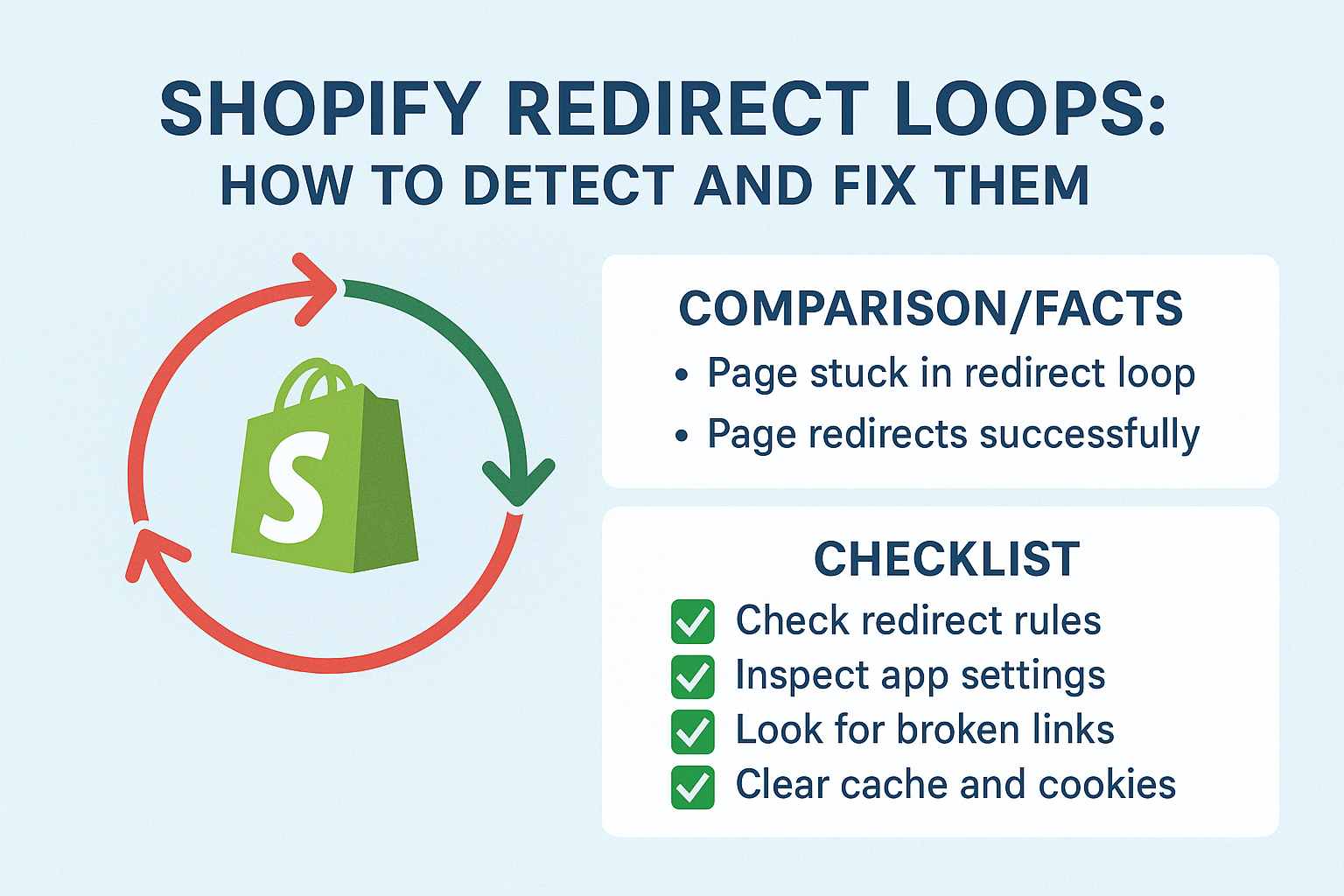
A redirect loop occurs when your Shopify store gets trapped in an endless cycle of redirects, where page A redirects to page B, which redirects back to page A, creating an infinite loop. Think of it like being stuck in a revolving door that never stops spinning—your customers (and search engine crawlers) can never reach their intended destination.
This technical nightmare typically manifests when there’s a misconfiguration in your store’s URL structure, theme settings, or app conflicts. The most common scenario I encounter during SEO audits involves stores that have changed their domain structure without properly updating their redirect chains.
For example, let’s say you moved from “mystore.com/products/shoes” to “mystore.com/footwear/shoes” but accidentally created a redirect that sends visitors back and forth between these URLs. Your browser will attempt to follow these redirects until it eventually gives up, displaying an error message that kills the user experience.
Why Do Redirect Loops Happen in Shopify Stores?
From my experience conducting ecommerce SEO assessments, redirect loops typically stem from five main culprits. The most frequent cause involves conflicting app redirects, where multiple apps try to manage URL redirections simultaneously, creating competing instructions that confuse your server.
Domain migration mistakes rank as the second most common cause. When store owners switch from HTTP to HTTPS, change their primary domain, or modify their URL structure without proper planning, they often create circular redirect patterns. I recently helped a client who lost 35% of their organic traffic due to a botched domain migration that created site-wide redirect loops.
Theme conflicts represent another major source of these issues. Some Shopify themes have built-in redirect logic that can clash with your store’s existing URL structure or third-party apps. Additionally, incorrect canonical URL settings and manual redirect rules often create unintended loops, especially when store owners attempt DIY SEO fixes without understanding the technical implications.
How Do Redirect Loops Impact Your Shopify Store’s Performance?
The performance impact of redirect loops extends far beyond frustrated customers. Search engines like Google typically abandon crawling pages after encountering 5-10 redirects, which means your affected pages essentially become invisible to potential customers searching for your products.
Page loading speed takes a massive hit when redirect loops are present. While a properly configured redirect adds roughly 200-500 milliseconds to load time, redirect loops can extend loading times indefinitely until the browser times out. This directly impacts your Core Web Vitals scores, a crucial on-page SEO ranking factor that Google uses to evaluate user experience.
From a conversion perspective, studies show that 53% of mobile users abandon sites that take longer than 3 seconds to load. When redirect loops prevent pages from loading entirely, your conversion rate drops to zero for those affected URLs. I’ve seen clients lose thousands of dollars in daily revenue due to redirect loops affecting their high-traffic product pages.
Search engine rankings suffer tremendously as well. Google’s algorithms interpret redirect loops as poor technical SEO implementation, which can result in ranking penalties or complete de-indexing of affected pages. This is particularly damaging for local SEO efforts, where technical issues can push your store below competitors in location-based searches.
What Are the Warning Signs of Redirect Loops?
Recognizing redirect loops early can save your store from significant revenue loss and SEO damage. The most obvious sign is the dreaded “This page isn’t working” or “Too many redirects” error message that appears when trying to access specific pages on your store.
However, redirect loops often hide in less obvious places. During semantic SEO analysis, I frequently discover loops affecting category pages, blog posts, or product variants that store owners never directly visit. These hidden loops slowly erode your search visibility without triggering immediate alarms.
Google Search Console provides valuable early warning signals through crawl error reports. Look for “Redirect error” notifications or unusual drops in indexed pages. Additionally, if you notice sudden decreases in organic traffic to specific pages or entire sections of your store, redirect loops might be the culprit.
Your analytics data can also reveal redirect loop problems. Pages with unusually high bounce rates (above 90%) combined with extremely low average session durations (under 5 seconds) often indicate technical issues preventing proper page loading.
How to Detect Redirect Loops Using Free Tools?
Browser developer tools offer the quickest way to diagnose redirect loops without any additional software. Open Chrome DevTools (F12), navigate to the Network tab, and try loading the suspected page. If redirect loops exist, you’ll see multiple entries showing the same URLs redirecting back and forth until the browser gives up.
Google Search Console serves as your primary free detection tool for identifying redirect loops at scale. Navigate to the “Coverage” report and look for “Redirect error” classifications. This report shows exactly which pages are affected and when Google first encountered the problems.
The “URL Inspection” tool within Search Console provides detailed information about individual page redirect chains. Simply enter any suspicious URL to see how Googlebot attempts to crawl the page and where the redirect loop occurs.
For a more comprehensive free analysis, use online redirect checker tools like RedirectChecker.org or WhereGoes.com. These tools trace the complete redirect path for any URL and clearly identify where loops begin and end.
How to Fix Common Shopify Redirect Loop Issues?
Fixing App-Related Redirect Loops
Start by identifying potentially conflicting apps in your Shopify admin panel. Navigate to Apps → Installed apps and temporarily disable any apps that manage URLs, redirects, or SEO settings. Test your affected pages after disabling each app to isolate the problematic software.
Common culprits include SEO apps, URL redirect managers, and currency/language switchers that modify URL structures. Once you’ve identified the problematic app, contact the developer for support or consider switching to alternative solutions that don’t create conflicts.
Resolving Theme-Based Redirect Problems
Theme-related redirect loops often stem from incorrect liquid code in template files. Access your theme editor (Online Store → Themes → Actions → Edit code) and examine files like “theme.liquid,” “product.liquid,” and “collection.liquid” for redirect-related code.
Look for HTML meta refresh tags, JavaScript redirects, or Liquid redirect commands that might create loops. If you’re not comfortable editing code, consider reverting to a backup theme or contacting a Shopify expert for assistance.
Correcting Manual Redirect Configuration
Review your manual redirects by going to Online Store → Navigation → URL Redirects in your Shopify admin. Look for circular patterns where URL A redirects to URL B, and URL B redirects back to URL A.
Delete conflicting redirects and establish a clear redirect hierarchy. For complex redirect chains, create a spreadsheet mapping your intended redirect flow before implementing changes to avoid creating new loops.
What’s the Step-by-Step Process to Fix Redirect Loops?
Step 1: Document Current Redirect Structure
Before making any changes, create a comprehensive map of your current redirect setup. Export your existing redirects from Shopify admin and use tools like Screaming Frog SEO Spider to crawl your entire site and identify all redirect chains.
Step 2: Identify Loop Sources
Use the free detection tools mentioned earlier to pinpoint exactly where loops occur. Create a priority list focusing on high-traffic pages and important conversion paths first.
Step 3: Implement Systematic Fixes
Address one redirect loop at a time, starting with the most critical pages. Test each fix thoroughly before moving to the next issue to avoid creating new problems while solving existing ones.
Step 4: Verify and Monitor
After implementing fixes, use Google Search Console’s URL Inspection tool to verify that Googlebot can successfully crawl your corrected pages. Monitor your fixed URLs for at least two weeks to ensure the problems don’t resurface.
How to Prevent Future Redirect Loops in Your Shopify Store?
Prevention starts with establishing clear redirect governance policies for your team. Document all redirect changes and maintain a master spreadsheet tracking your URL structure modifications over time.
Before installing new apps that modify URLs or manage redirects, research potential conflicts with your existing setup. Read app reviews specifically looking for mentions of redirect issues or conflicts with other popular Shopify apps.
Implement regular SEO audits using tools like Screaming Frog or Sitebulb to catch redirect loops before they impact your customers and search rankings. Schedule monthly technical SEO checks focusing on redirect chain analysis and crawl error monitoring.
When planning major site changes like domain migrations, URL structure modifications, or theme updates, always test changes in a development environment first. This allows you to identify and fix redirect loops before they affect your live store.
Why Professional SEO Services Matter for Technical Issues?
While this guide provides comprehensive DIY solutions, complex redirect loops often require expert intervention to resolve completely. Professional SEO services bring specialized tools, experience with Shopify’s technical architecture, and the ability to implement enterprise-level solutions that prevent recurring issues.
Technical SEO problems like redirect loops frequently interconnect with other optimization opportunities. A comprehensive approach combining redirect loop fixes with broader ecommerce SEO improvements typically delivers better long-term results than addressing issues in isolation.
Consider professional help if you’re dealing with large-scale redirect loops affecting hundreds of pages, complex international redirect setups, or recurring technical issues that resist DIY solutions. The investment in expert assistance often pays for itself through improved search rankings and conversion rates.
Key Takeaways and Action Points
Redirect loops represent serious threats to your Shopify store’s performance, but they’re entirely preventable and fixable with the right approach. Start by implementing regular monitoring using Google Search Console to catch issues early before they impact your revenue and search rankings.
Immediate Action Items:
- Check Google Search Console for redirect errors affecting your store today
- Use browser developer tools to test your most important product and category pages
- Document your current redirect structure to establish a baseline for future monitoring
- Schedule monthly technical SEO audits to prevent redirect loops from developing
Remember, every day redirect loops remain unfixed costs you potential customers and search engine visibility. The techniques outlined in this guide provide everything you need to eliminate these technical barriers and keep your Shopify store running smoothly for both customers and search engines.
Your store’s technical health directly impacts your bottom line—don’t let redirect loops silently steal your success when proven solutions are readily available.