

You’ve just launched your Shopify store, excited about your first product going live. You click on your product page and notice the URL looks something like yourstore.com/products/awesome-sneakers-size-10-blue-color. You didn’t create this URL structure – Shopify did it automatically. But is this helping or hurting your SEO efforts?
As someone who has spent over 8 years optimizing e-commerce stores and providing Shopify SEO services, I’ve seen how URL structure can make or break a store’s search visibility. Today, I’ll walk you through exactly how Shopify handles URLs, what it means for your business, and how you can leverage this knowledge to outrank your competitors.
What Is Shopify’s Automatic URL Structure?
Shopify automatically generates URLs for every page on your store based on the page title, product name, or collection name you provide. This process, called “slug generation,” converts your titles into web-friendly URLs by removing special characters, converting spaces to hyphens, and making everything lowercase.
For example, if you create a product called “Premium Leather Wallet – Brown,” Shopify automatically creates the URL: yourstore.com/products/premium-leather-wallet-brown. This happens instantly without any input from you, which is both a blessing and a potential SEO challenge.
The platform follows a predetermined URL hierarchy that looks like this:
- Homepage: yourstore.com
- Product pages: yourstore.com/products/product-handle
- Collection pages: yourstore.com/collections/collection-handle
- Blog posts: yourstore.com/blogs/blog-name/post-handle
- Pages: yourstore.com/pages/page-handle
How Does Shopify Generate URLs Behind the Scenes?
When you create any content in Shopify, the platform immediately processes your title through its algorithm. It strips out symbols like &, %, @, removes extra spaces, converts everything to lowercase, and replaces spaces with hyphens. This creates what Shopify calls a “handle” – the unique identifier that becomes part of your URL.
Here’s what happens in real-time: You type “Men’s Winter Jackets 2025” as your collection name, and Shopify instantly generates the handle “mens-winter-jackets-2025.” This handle becomes permanent once you save, and changing it later requires manual intervention that can break existing links.
The system also automatically checks for duplicates. If you already have a product with the handle “blue-shirt,” and you create another product with the same name, Shopify will append a number like “blue-shirt-1” to keep URLs unique.
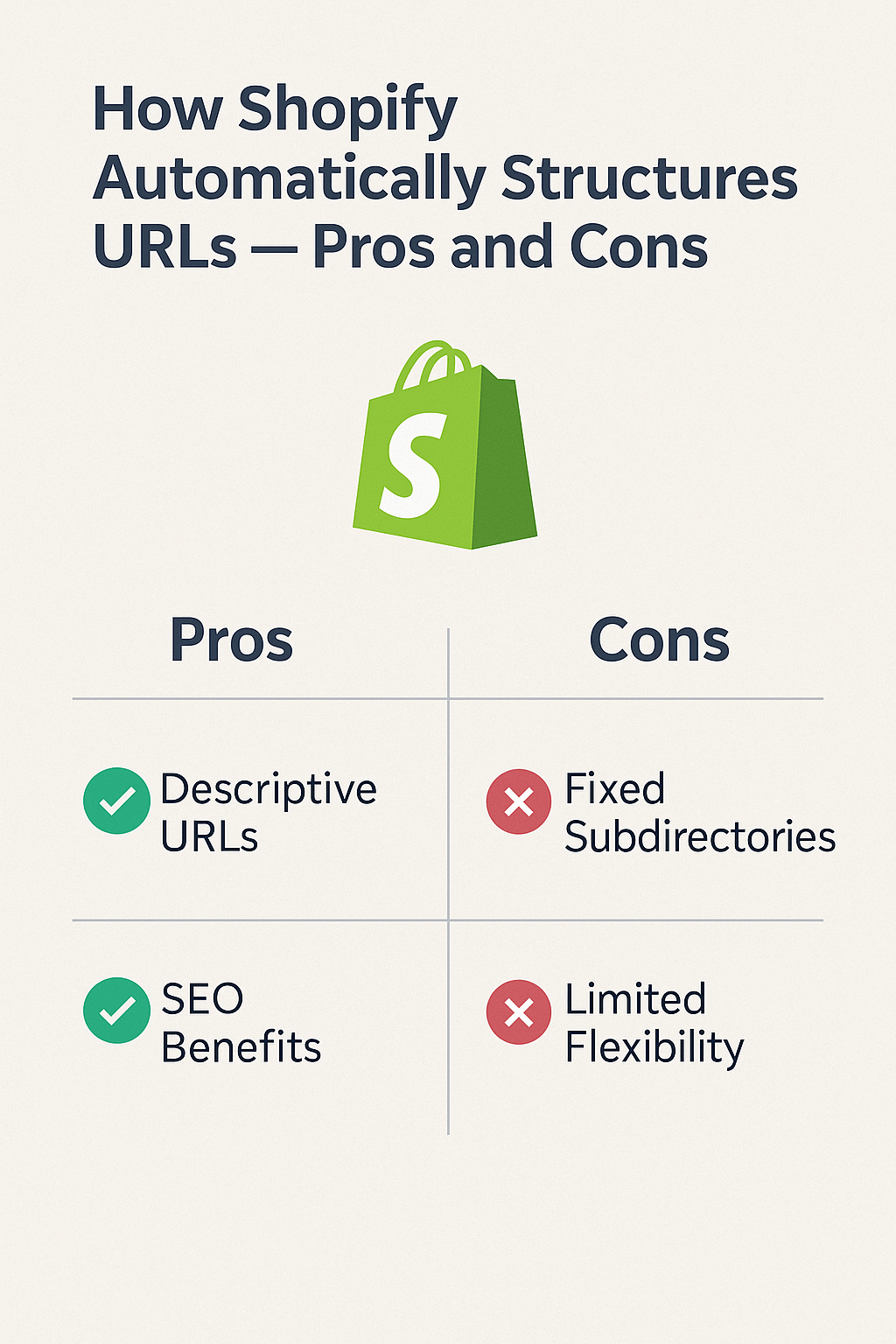
The Major Advantages of Shopify’s URL System
Instant SEO-Friendly URLs Without Technical Knowledge
One of the biggest wins for small business owners is that Shopify creates search engine optimized URLs automatically. You don’t need to understand On Page SEO principles or worry about URL best practices – the platform handles it for you. This is particularly valuable for entrepreneurs who want to focus on growing their business rather than learning technical SEO Services.
Research shows that 60% of small e-commerce store owners have zero SEO knowledge when they start. Shopify’s automatic system ensures their URLs won’t hurt their search rankings from day one.
Consistent Structure Across Your Entire Store
Shopify maintains uniformity across all URLs, which search engines love. Google’s algorithms prefer websites with consistent, predictable URL patterns because it makes crawling and indexing more efficient. This consistency is a core component of Semantic SEO, where search engines better understand your site’s structure and content relationships.
Automatic Handling of Special Characters and Spaces
The platform automatically cleans up common URL problems that could break links or confuse search engines. Spaces become hyphens, special characters get removed, and everything is converted to lowercase – all following Google’s URL guidelines without you lifting a finger.
Built-in Duplicate Prevention
Shopify’s system prevents the creation of duplicate URLs, which is crucial for avoiding SEO penalties. When you accidentally try to create similar product names, the platform automatically appends numbers or modifies the handle to keep everything unique.
The Hidden Disadvantages You Need to Know
Limited Control Over URL Customization
While automation is convenient, it can create suboptimal URLs for Ecommerce SEO. Let’s say you’re selling “iPhone 14 Pro Max Cases” – Shopify might create a URL like /products/iphone-14-pro-max-cases-premium-quality-multiple-colors-available, which is unnecessarily long and includes non-essential words.
Studies indicate that URLs longer than 60 characters have 25% lower click-through rates in search results. Unfortunately, Shopify’s automatic system doesn’t consider optimal length when generating URLs.
Inability to Remove Default URL Prefixes
Shopify forces specific prefixes like /products/ and /collections/ into all URLs. While this creates consistency, it also adds unnecessary length to your URLs and can make them less user-friendly. Many SEO Audit reports identify these lengthy URL structures as areas for improvement, but they’re unavoidable in Shopify.
Permanent Handle Creation Issues
Once Shopify generates a handle and you save your content, changing it becomes problematic. The platform doesn’t automatically create redirects when you modify URLs, which can lead to broken links and lost SEO value. This is particularly challenging for stores that need to rebrand products or optimize existing URLs for better Local SEO performance.
Keyword Stuffing in Product Titles Affects URLs
Many store owners try to stuff keywords into their product titles thinking it will help SEO, but this creates unwieldy URLs. A product titled “Best Organic Dog Food Premium Quality Grain Free Natural Healthy Pet Nutrition” becomes an extremely long, user-unfriendly URL that actually hurts rather than helps search rankings.
What This Means for Different Types of Store Owners
Small Business Owners Starting Their First Store
If you’re launching your first e-commerce store, Shopify’s automatic URL system is generally beneficial. You can focus on creating great product descriptions and titles without worrying about technical SEO aspects. However, keep your product and collection names concise and descriptive from the start to ensure clean URLs.
Established Entrepreneurs Scaling Their Operations
For growing businesses, the URL limitations become more apparent. As you expand your product catalog and need more control over your site structure, you might find Shopify’s rigid system restrictive. This is when investing in professional SEO Services becomes valuable to work within the platform’s constraints effectively.
Young Influencers Building Product Lines
Influencers often change product names, rebrand collections, or pivot their focus. Shopify’s permanent handle system can create challenges when you want to optimize URLs for trending keywords or seasonal campaigns. Planning your URL strategy before launching becomes crucial for long-term success.
Real-World Examples: When Shopify URLs Work and When They Don’t
Success Story: Clean, Descriptive URLs
Take a successful Shopify store selling handmade jewelry. Their product “Sterling Silver Moon Phase Necklace” automatically becomes /products/sterling-silver-moon-phase-necklace – a perfect URL that includes target keywords, stays concise, and clearly describes the product. This URL structure contributed to their 40% increase in organic traffic over six months.
Problem Case: Overstuffed Product Titles
A clothing store made the mistake of using titles like “Women’s Summer Dress Casual Beach Vacation Outfit Comfortable Breathable Fabric Multiple Sizes Available” which created the URL /products/womens-summer-dress-casual-beach-vacation-outfit-comfortable-breathable-fabric-multiple-sizes-available. This 98-character URL performed poorly in search results and had low click-through rates.
Actionable Strategies to Optimize Shopify’s URL System
Plan Your Product Names Strategically
Before creating products, research your target keywords and incorporate them naturally into concise, descriptive titles. Aim for product names between 3-7 words that include your primary keyword without feeling stuffed. This creates optimal URLs automatically while maintaining search relevance.
Use Collections Wisely for URL Hierarchy
Create logical collection structures that support your Semantic SEO strategy. Instead of having one massive “Products” collection, create specific collections like “Men’s Athletic Shoes” or “Wireless Headphones” that generate more targeted URLs and improve site navigation.
Implement Proper Redirects When Necessary
When you must change a URL handle, always set up 301 redirects from the old URL to the new one. While Shopify doesn’t do this automatically, you can use apps like “Easy Redirects” or add custom redirects through your theme’s code to preserve SEO value.
Monitor URL Performance Regularly
Conduct regular SEO Audits to identify URLs that are too long, contain stop words, or don’t align with your keyword strategy. Tools like Google Search Console can show you which URLs are getting clicks and which ones are being ignored by search engines.
Leverage Shopify Apps for URL Enhancement
Several Shopify apps can help you work around URL limitations. Apps like “TinyIMG” can optimize your URLs post-creation, while “SearchPie” provides advanced SEO controls that complement Shopify’s basic URL system.
Advanced Tips for Different Business Scenarios
For Multi-Location Businesses Needing Local SEO
If you serve multiple geographic areas, consider creating location-specific collections like “Miami-Wedding-Dresses” or “Toronto-Home-Decor” to naturally incorporate local keywords into your URL structure. This supports your Local SEO efforts without requiring complex technical implementations.
For Seasonal or Trending Product Lines
When launching time-sensitive products, keep seasonal indicators out of your main product titles to avoid URLs that become irrelevant. Instead, use collections like “Holiday-2025-Collection” that can be easily updated or redirected as seasons change.
For Stores with Large Product Catalogs
Organize your products into detailed subcategories using Shopify’s collection system. This creates a logical URL hierarchy that helps both users and search engines understand your product relationships, supporting better overall Ecommerce SEO performance.
Key Takeaways for Your Shopify Store
Shopify’s automatic URL generation is a double-edged sword that works well for beginners but can become limiting as your business grows. The key is understanding how to work within the system’s constraints while maximizing its benefits.
Focus on creating concise, keyword-rich product and collection names from the start. Plan your site structure carefully, and don’t be afraid to invest in professional SEO Services when you need more advanced optimization strategies.
Remember, URLs are just one piece of your overall SEO strategy. While important, they work best when combined with quality content, proper On Page SEO, and a comprehensive approach to search engine optimization.
The most successful Shopify store owners I’ve worked with treat URL optimization as an ongoing process rather than a one-time setup. They regularly review their URL performance, make strategic adjustments, and always keep their target audience’s search behavior in mind when creating new content.
By understanding both the advantages and limitations of Shopify’s URL system, you can make informed decisions that support your long-term growth goals while maximizing your store’s search visibility in an increasingly competitive e-commerce landscape.