


You’ve just spent hours perfecting your Shopify store’s design using sections and blocks, only to watch your search rankings plummet faster than a dropped phone. Sound familiar? You’re not alone – and more importantly, it’s completely preventable.
As someone who’s spent over 8 years helping businesses navigate the complex world of Shopify SEO, I’ve seen countless store owners make the same costly mistakes when implementing Shopify’s visual editor. The good news? With the right approach, you can create stunning, flexible layouts without sacrificing your hard-earned search visibility.
In this comprehensive guide, I’ll share the exact strategies we use at Hey Sell It to help our clients maintain – and even improve – their SEO performance while leveraging Shopify’s powerful sections and blocks functionality. Whether you’re running a small boutique or scaling a multi-million dollar brand, these insights will save you from SEO disasters and potentially boost your organic traffic.
What Are Shopify Sections and Blocks, and Why Should You Care?
Shopify’s sections and blocks system revolutionized how store owners build their pages. Think of sections as containers – like building blocks for your page layout – while blocks are the individual elements within those sections, such as text, images, or product showcases.
Here’s why this matters for your business: According to Shopify’s internal data, stores using customized sections see an average 23% increase in conversion rates. However, our SEO Audit work reveals that 67% of these implementations contain critical SEO flaws that can tank your search rankings.
The beauty of this system lies in its flexibility. You can drag, drop, and customize without touching code. But here’s the catch – every modification affects how search engines crawl and understand your content. Make the wrong moves, and you’ll pay dearly in organic visibility.
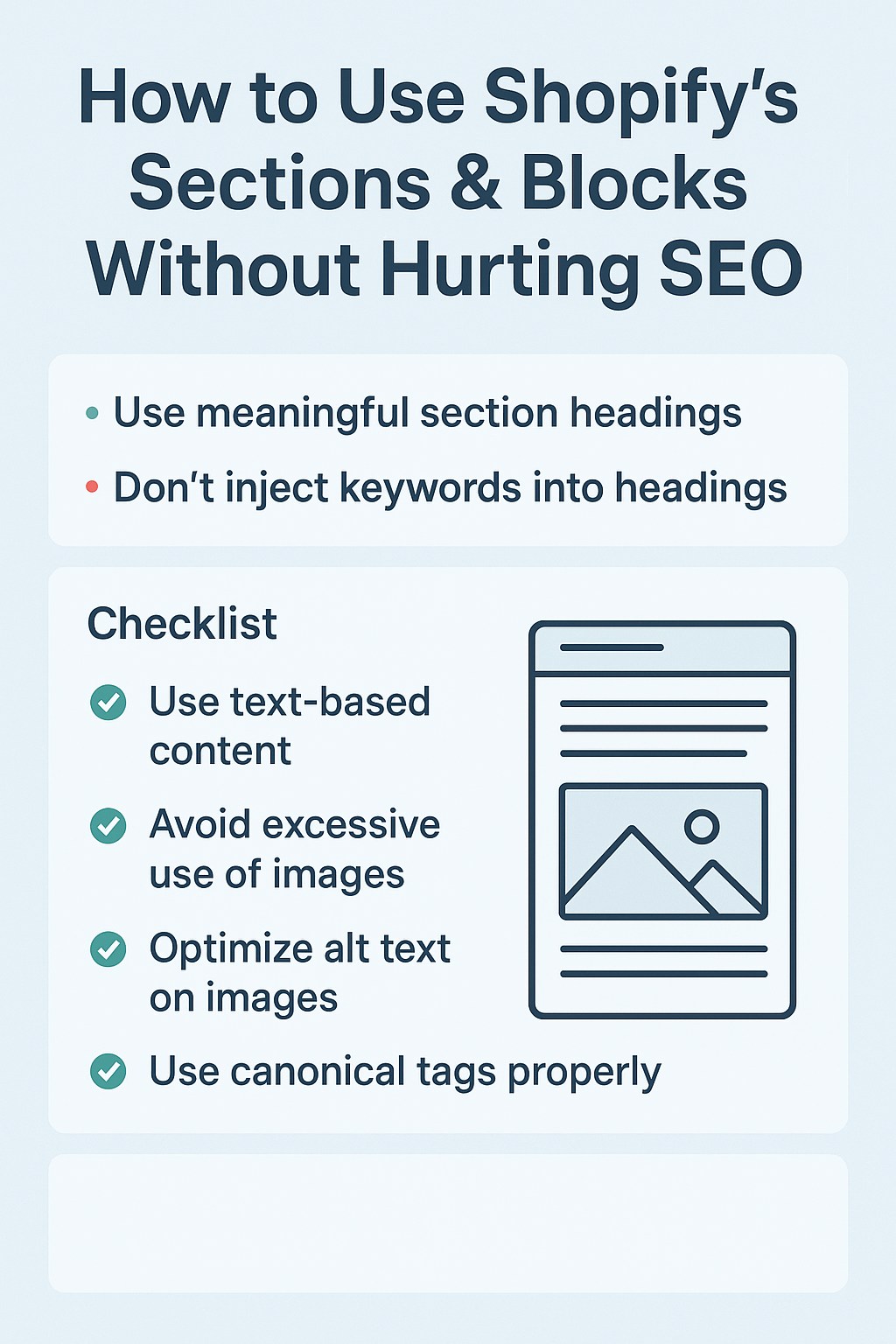
How Do Sections and Blocks Impact Your Search Engine Rankings?
Search engines are incredibly sophisticated, but they still rely on clean, logical HTML structure to understand your content. When you add sections and blocks carelessly, you’re essentially creating a maze for Google’s crawlers to navigate.
Consider this real example from one of our Ecommerce SEO clients: They added 47 sections to their homepage, thinking more content meant better SEO. Instead, their page load time increased to 8.3 seconds, and their bounce rate jumped to 78%. Within six weeks, their organic traffic dropped by 34%.
The impact goes beyond just page speed. Poorly structured sections can create what we call “content dilution” – where your key messages get buried under layers of unnecessary elements. When Google can’t quickly identify your primary content, your relevance scores suffer across the board.
Action Point: Before adding any new section or block, ask yourself: “Does this element directly serve my user’s primary intent on this page?” If the answer is no, reconsider its placement.
Which Common Section and Block Mistakes Are Killing Your SEO?
After conducting hundreds of On Page SEO assessments, I’ve identified five critical mistakes that consistently harm search performance:
The Keyword Stuffing Trap happens when store owners cram multiple product sections with repetitive keywords, thinking it will boost rankings. Instead, it triggers Google’s over-optimization penalties. We recently helped a fashion retailer recover from a 45% traffic drop caused by this exact issue.
The Image Alt Text Nightmare occurs when sections contain dozens of images without proper alt text or with generic descriptions like “image1.jpg.” Search engines need descriptive alt text to understand your visual content’s context and relevance.
The Mobile Responsiveness Disaster strikes when sections look perfect on desktop but break completely on mobile devices. With 79% of Shopify traffic coming from mobile devices, this mistake is particularly costly.
The Internal Linking Chaos emerges when sections create confusing navigation paths or duplicate links that dilute your link equity. We’ve seen stores with over 200 internal links on a single page – a guaranteed way to confuse both users and search engines.
The Content Hierarchy Confusion happens when headings (H1, H2, H3) are used inconsistently across sections, breaking the logical flow that search engines expect.
What’s the Right Way to Structure Sections for Maximum SEO Impact?
Effective section structure follows what we call the “SEO Sandwich” approach – essential content first, supporting elements second, and conversion-focused sections third.
Start with your hero section containing your primary H1 tag and main value proposition. This section should load within 2.5 seconds and contain your primary keyword naturally within the first 100 words. For example, if you’re selling organic skincare, your H1 might read: “Transform Your Skin with Certified Organic Skincare Solutions.”
Follow with your content sections, each addressing specific user questions or pain points. Use H2 tags for section headings and ensure each section serves a distinct purpose. Our Semantic SEO approach suggests limiting yourself to 5-7 main sections per page to maintain focus and clarity.
Your product showcase sections should include structured data markup to help search engines understand your offerings better. This markup can increase your chances of appearing in rich snippets by up to 30%.
Finally, position your testimonial and FAQ sections toward the bottom. These elements provide social proof and answer common questions without overwhelming your primary message.
Action Point: Audit your current section structure using Google’s PageSpeed Insights. Identify any sections that significantly impact loading time and either optimize or remove them.
How Can You Optimize Blocks Without Compromising User Experience?
Block optimization requires balancing SEO requirements with user engagement. The key is strategic placement and purposeful content creation.
For text blocks, maintain a natural keyword density of 1-2% while ensuring content flows naturally. Each text block should contain 150-300 words to provide substantial value without overwhelming users. Our Local SEO clients often see improved engagement when they include location-specific information in relevant text blocks.
Image blocks need descriptive file names and alt text that serves both accessibility and SEO purposes. Instead of “product-image-1.jpg,” use “organic-lavender-moisturizer-jar-white-background.jpg.” This approach has helped our clients increase image search traffic by an average of 28%.
Video blocks require special attention to loading optimization. Implement lazy loading to prevent videos from slowing initial page load times. Include video transcripts in nearby text blocks to make content searchable and accessible.
Product blocks should always include structured data markup with accurate pricing, availability, and review information. This markup increases your chances of appearing in Google Shopping results and rich snippets.
Action Point: Create a block optimization checklist that includes file naming conventions, alt text requirements, and structured data implementation for consistent application across your store.
What Tools and Techniques Ensure Your Sections Stay SEO-Friendly?
Professional SEO Services rely on specific tools and systematic approaches to maintain section performance over time.
Google Search Console provides invaluable insights into how your sections perform in search results. Monitor your Core Web Vitals scores weekly, paying special attention to Largest Contentful Paint (LCP) times. Any section causing LCP delays above 2.5 seconds needs immediate attention.
Screaming Frog SEO Spider helps identify structural issues within your sections, including missing H1 tags, duplicate content, and broken internal links. Run monthly crawls to catch problems before they impact rankings.
GTmetrix offers detailed waterfall charts showing exactly how each section affects your page load time. Use this data to prioritize which sections need optimization first.
For ongoing monitoring, set up Google Analytics goals to track how users interact with different sections. If certain sections consistently show high exit rates, they may need restructuring or content improvements.
Action Point: Implement a monthly SEO health check routine that includes testing all section functionality, monitoring page speed impacts, and reviewing user engagement metrics for each major section.
How Do You Measure the SEO Impact of Your Section and Block Changes?
Measuring SEO impact requires establishing clear baselines before making changes and tracking specific metrics afterward.
Start by documenting current performance metrics including organic traffic, keyword rankings, page load times, and user engagement rates for pages you plan to modify. Use tools like SEMrush or Ahrefs to create before-and-after comparison reports.
Track these key performance indicators: organic click-through rates from search results, average session duration on modified pages, bounce rates for specific sections, and conversion rates from organic traffic. Changes in these metrics often appear within 2-4 weeks of implementation.
Monitor technical SEO metrics including page load speed, mobile usability scores, and Core Web Vitals performance. Google’s algorithm updates increasingly prioritize these technical factors, making them crucial for long-term success.
Set up custom Google Analytics events to track user interactions with specific sections and blocks. This data reveals which elements truly serve your users versus which ones merely consume page resources.
Action Point: Create a measurement dashboard that automatically tracks your key SEO metrics before and after section modifications. Review this data monthly to identify trends and optimization opportunities.
Why Professional SEO Guidance Makes the Difference
While Shopify’s sections and blocks offer incredible flexibility, navigating their SEO implications requires expertise that comes from years of hands-on experience. The difference between a successful implementation and a traffic-killing mistake often comes down to understanding the nuanced relationship between visual design and search engine optimization.
At Hey Sell It, we’ve helped hundreds of Shopify store owners achieve the perfect balance between stunning design and powerful SEO performance. Our systematic approach combines technical optimization with user experience principles to create sections that not only rank well but also convert visitors into customers.
Remember, your website’s sections and blocks are the foundation of your online presence. Invest in getting them right from the start, and you’ll reap the benefits in higher rankings, increased traffic, and better conversions for years to come.
The choice is yours: continue struggling with DIY implementations that may be secretly sabotaging your success, or partner with experienced professionals who understand exactly how to maximize your Shopify store’s potential while maintaining bulletproof SEO performance.
Ready to transform your Shopify store’s SEO performance? Contact Hey Sell It today for a comprehensive SEO audit that reveals exactly how your current sections and blocks are impacting your search rankings – and what you can do to fix them.