


A potential customer clicks on your Shopify store link, excited to purchase that trending product they saw on social media. Three seconds pass. Five seconds. Seven seconds. They’re gone – along with your sale. This scenario plays out thousands of times daily across e-commerce stores worldwide, and the culprit is often poor site speed.
As someone who’s spent eight years optimizing Shopify stores and providing specialized Shopify SEO services, I’ve witnessed firsthand how site speed can make or break an online business. Today, we’re diving deep into the two most reliable tools for measuring your store’s performance: Google PageSpeed Insights and GTmetrix.
Why Your Shopify Store Speed Actually Determines Your Success
Your store’s loading speed isn’t just a technical metric – it’s a revenue driver. Amazon discovered that every 100-millisecond delay in load time decreased sales by 1%. For a store generating $100,000 monthly, that translates to $1,000 lost revenue per month from just a tenth of a second delay.
Google’s research reveals that 53% of mobile users abandon sites taking longer than three seconds to load. When your Ecommerce SEO strategy focuses solely on rankings but ignores speed, you’re essentially driving traffic to a store with a broken front door.
The connection between speed and SEO runs deeper than user experience. Google’s Core Web Vitals, introduced in 2021, made page speed a direct ranking factor. This means your SEO Audit must include comprehensive speed analysis to maintain competitive search positions.
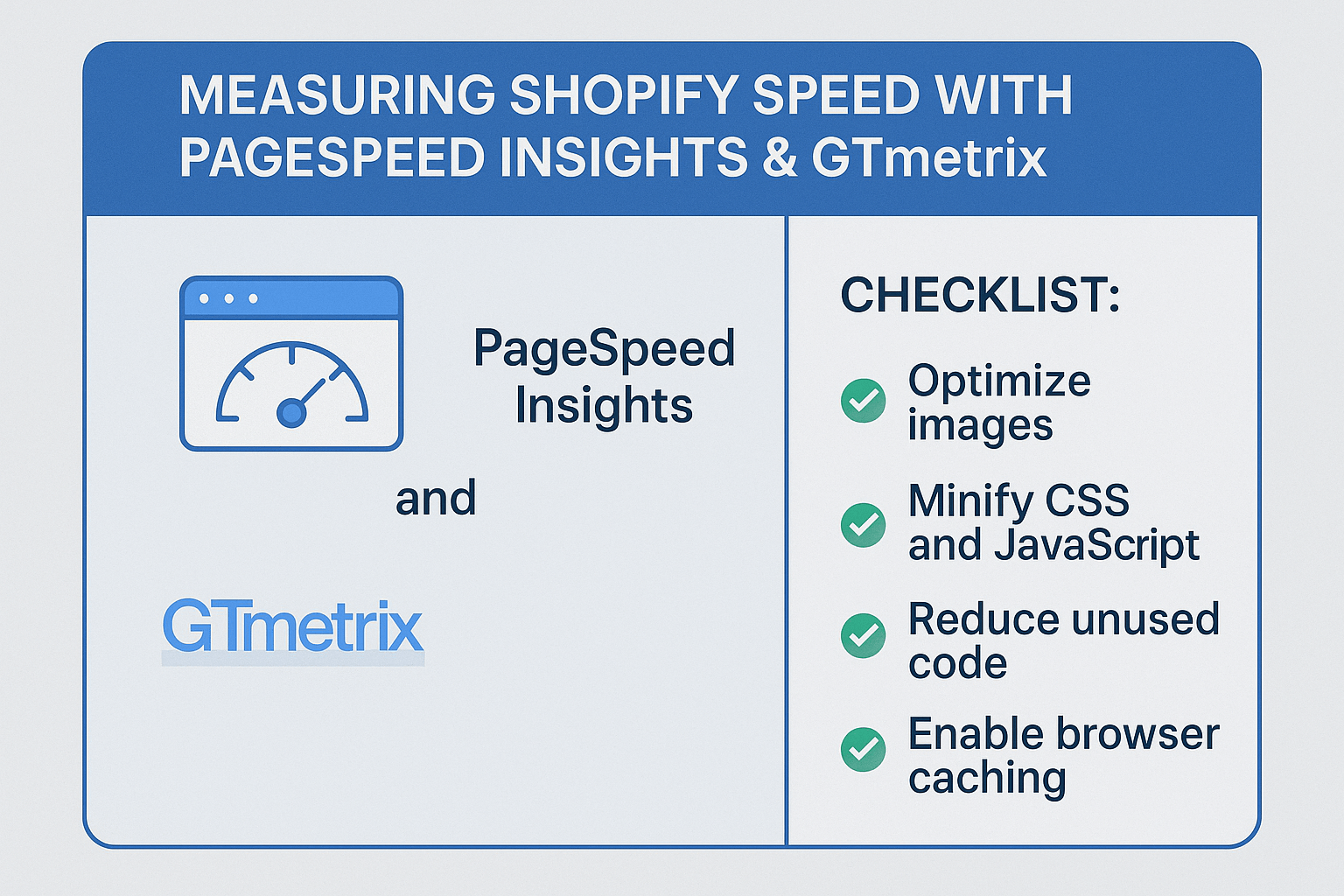
What Makes PageSpeed Insights Your Primary Speed Measurement Tool?
Google PageSpeed Insights stands as the gold standard for speed measurement because it reflects exactly how Google evaluates your site. The tool provides separate scores for mobile and desktop performance, analyzing real-world data from Chrome users alongside lab-based testing.
The scoring system ranges from 0-100, with 90+ considered fast, 50-89 needing improvement, and below 50 categorized as slow. However, the score itself tells only part of the story. The real insights lie in the Core Web Vitals metrics: Largest Contentful Paint (LCP), First Input Delay (FID), and Cumulative Layout Shift (CLS).
PageSpeed Insights connects directly to your On Page SEO performance. When Google crawls your pages, it evaluates these same metrics that influence both user experience and search rankings. A Shopify store scoring below 50 on mobile typically sees 40% higher bounce rates compared to stores scoring above 80.
How to Use PageSpeed Insights for Your Shopify Store Analysis
Navigate to Google PageSpeed Insights and enter your Shopify store URL. The tool automatically tests both mobile and desktop versions, providing separate reports for each device type. Start with your homepage, then test your most important product pages and collection pages.
Focus primarily on the mobile score, as over 70% of e-commerce traffic now comes from mobile devices. Your mobile score directly impacts your mobile search rankings, which is crucial since Google uses mobile-first indexing for all websites.
The Field Data section shows real user experience metrics over the past 28 days. If you see “insufficient data,” your store likely needs more traffic volume for accurate field measurements. In this case, rely more heavily on the Lab Data section, which provides controlled testing results.
Pay special attention to the Opportunities section, which provides specific recommendations ranked by potential impact. These suggestions often align with Semantic SEO best practices, as faster pages typically provide better user signals that search engines interpret as quality indicators.
Why GTmetrix Offers Different Insights Than PageSpeed Insights
While PageSpeed Insights shows you Google’s perspective, GTmetrix provides a more comprehensive technical analysis. GTmetrix combines Google Lighthouse data with additional performance metrics, offering detailed waterfall charts showing exactly how your page loads element by element.
The platform allows you to test from different global locations, which is crucial for international Shopify stores. A store might load quickly from New York but slowly from London, affecting your Local SEO performance in different markets.
GTmetrix also provides historical tracking, letting you monitor performance changes over time. This feature proves invaluable when implementing SEO Services recommendations, as you can directly correlate optimization efforts with performance improvements.
Step-by-Step GTmetrix Analysis for Shopify Stores
Create a free GTmetrix account and configure your test settings. Select a server location closest to your primary customer base, choose the latest Chrome browser, and set the connection speed to match your typical customer’s internet speed.
Enter your Shopify store URL and run the test. GTmetrix generates an overall performance score alongside detailed metrics including fully loaded time, total page size, and number of requests. Your goal should be achieving a Grade A performance with load times under three seconds.
The waterfall chart reveals your page’s loading sequence, highlighting elements that slow down your store. Common Shopify issues include oversized images, excessive third-party apps, and unoptimized theme code. Each red bar in the waterfall represents a potential optimization opportunity.
Review the PageSpeed and YSlow tabs for specific recommendations. These suggestions often complement your broader SEO Audit findings, as technical SEO improvements frequently overlap with speed optimization tactics.
What Do These Speed Scores Really Mean for Your Business?
A PageSpeed Insights score of 85+ typically correlates with 15-25% higher conversion rates compared to scores below 60. However, scores aren’t everything – user experience metrics matter more than perfect scores.
Focus on achieving LCP times under 2.5 seconds, FID measurements below 100 milliseconds, and CLS scores under 0.1. These Core Web Vitals thresholds represent the “good” classification that Google uses for ranking considerations.
GTmetrix grades provide complementary insights. Grade A performance usually indicates optimal technical implementation, while Grade B remains acceptable for most Shopify stores. Grades C and below suggest significant optimization opportunities that likely impact both user experience and search rankings.
Common Shopify Speed Issues These Tools Will Reveal
Image optimization represents the most frequent culprit behind slow Shopify stores. Unoptimized product images often account for 60-80% of page weight. Both tools will highlight oversized images and recommend modern formats like WebP.
Third-party app bloat creates another common issue. Each app typically adds JavaScript and CSS files, increasing load times. GTmetrix’s waterfall chart clearly shows which apps contribute most to loading delays, helping you prioritize which ones to remove or replace.
Theme-related problems appear in both tools’ recommendations. Heavy themes with unnecessary features, inline CSS, and render-blocking resources consistently slow down stores. These issues directly impact your technical SEO foundation.
Action Points: Optimizing Based on Your Speed Test Results
Start with image optimization, as this provides the biggest impact with minimal effort. Compress all product images, implement lazy loading, and consider using Shopify’s automatic image transformation features. This single action often improves scores by 15-20 points.
Audit your installed apps ruthlessly. Remove any app you haven’t used in the past 30 days, and look for lighter alternatives to essential but heavy apps. Each removed app typically improves load times by 200-500 milliseconds.
Implement browser caching and minification through your theme settings or dedicated apps. These technical optimizations address many recommendations from both PageSpeed Insights and GTmetrix simultaneously.
Consider upgrading to a faster, more optimized theme if your current theme consistently scores poorly despite optimization efforts. Modern Shopify themes built with speed in mind often achieve 20-30 point score improvements over older, feature-heavy themes.
How Often Should You Monitor Your Shopify Store Speed?
Establish a monthly speed monitoring routine using both tools. Test your homepage, top product pages, and collection pages consistently. Document your scores in a spreadsheet to track improvement trends over time.
Run additional tests immediately after making significant changes, such as installing new apps, updating themes, or launching marketing campaigns. Speed can degrade quickly with seemingly minor changes, and early detection prevents prolonged performance issues.
During high-traffic periods like Black Friday or flash sales, increase monitoring frequency to weekly. Traffic spikes often reveal speed issues that don’t appear during normal usage periods, and these peak times represent your highest-revenue opportunities.
Connecting Speed Optimization to Your Overall SEO Strategy
Speed optimization shouldn’t exist in isolation from your broader SEO strategy. Fast-loading pages support better crawl efficiency, allowing search engines to index more of your content within their allocated crawl budget.
Improved Core Web Vitals scores strengthen your technical SEO foundation, supporting gains from your On Page SEO and content optimization efforts. Think of speed as the foundation that amplifies all other SEO investments.
Regular speed monitoring provides valuable data for client reporting if you work with SEO Services providers. Performance improvements demonstrate tangible value and justify continued SEO investment.
Your Next Steps: From Measurement to Optimization
Begin with a comprehensive baseline measurement using both PageSpeed Insights and GTmetrix. Test at least five critical pages: homepage, best-selling product page, main collection page, about page, and contact page.
Document current scores and identify the three most impactful optimization opportunities based on tool recommendations. Focus on quick wins first – image optimization, app removal, and basic caching implementation.
Set realistic improvement targets. Aim for mobile PageSpeed Insights scores above 70 and GTmetrix grades of B or better. These targets balance performance with implementation effort for most Shopify stores.
Remember, speed optimization is an ongoing process, not a one-time project. As your store grows and evolves, continuous monitoring ensures your performance keeps pace with your business growth. Your customers – and your conversion rates – will thank you for the investment in speed.
The difference between a fast and slow Shopify store isn’t just measured in seconds; it’s measured in sales, customer satisfaction, and search engine rankings. Start measuring today, and start optimizing tomorrow. Your bottom line depends on it.