

You’re running a thriving Shopify store, but you’re essentially flying blind when it comes to understanding how customers interact with your website. Without proper event tracking in Google Analytics 4 (GA4), you’re missing crucial data that could skyrocket your conversions by up to 35%, according to recent e-commerce studies.
As someone who’s spent over 8 years optimizing Shopify SEO strategies for hundreds of online stores, I’ve witnessed firsthand how proper GA4 event tracking transforms businesses from guessing games into data-driven success stories. The integration of SEO-focused event tracking isn’t just about numbers – it’s about understanding the customer journey that directly impacts your search engine rankings and revenue.
Modern SEO services have evolved beyond traditional keyword optimization. Today’s successful e-commerce stores combine technical SEO expertise with sophisticated tracking systems that provide actionable insights. When you properly configure GA4 event tracking with SEO principles in mind, you’re not just collecting data – you’re building a foundation for sustainable organic growth.
Why GA4 Event Tracking Matters More Than Ever for Your Shopify Store
Google Analytics 4 represents a fundamental shift in how we measure e-commerce success. Unlike Universal Analytics, GA4 focuses on events rather than sessions, making it perfectly aligned with modern ecommerce SEO strategies. This event-driven model allows you to track micro-interactions that directly influence your search engine performance.
Recent data from Google shows that stores with properly configured GA4 event tracking see an average 28% improvement in their organic search performance within six months. This happens because GA4’s enhanced measurement capabilities provide search engines with clearer signals about user engagement and content relevance.
The connection between event tracking and SEO performance isn’t coincidental. Search engines increasingly prioritize user experience metrics, and GA4 events provide the granular data needed to optimize these crucial ranking factors. When you track events like scroll depth, video engagement, and form interactions, you’re gathering intelligence that directly informs your on page SEO optimization strategies.
What Events Should You Track for Maximum SEO Impact?
Purchase and Conversion Events: The Revenue Drivers
Every successful Shopify store needs to track purchase events meticulously. These aren’t just for revenue reporting – they’re crucial for understanding which SEO efforts drive actual sales. When you track purchase events with proper UTM parameters and source attribution, you can identify which organic keywords and landing pages generate the highest-value customers.
Set up enhanced e-commerce tracking to capture purchase value, product categories, and customer lifetime value. This data becomes invaluable for semantic SEO optimization, helping you understand which product-related content resonates most with your buying audience.
Add to Cart and Checkout Abandonment: The Conversion Optimizers
Tracking add-to-cart events reveals the effectiveness of your product pages and internal linking structure. Stores that monitor these events typically see a 15-20% improvement in their product page optimization within three months. The data helps you identify which products need better descriptions, images, or local SEO optimization for location-specific searches.
Checkout abandonment tracking provides insights into friction points that may be affecting your conversion rates and, consequently, your search engine rankings. High bounce rates during checkout can negatively impact your site’s overall SEO performance.
Form Submissions and Lead Generation: The Trust Builders
Newsletter signups, contact form submissions, and account registrations are powerful indicators of user engagement that search engines value highly. These events demonstrate that visitors find your content valuable enough to share their information, which is a strong positive signal for organic rankings.
Track these events with specific goals in GA4 to understand which pages and content types generate the most engagement. This information directly informs your content strategy and helps prioritize pages for SEO audit improvements.
How to Set Up Enhanced E-commerce Tracking in GA4
Step 1: Configure Your Google Analytics 4 Property Correctly
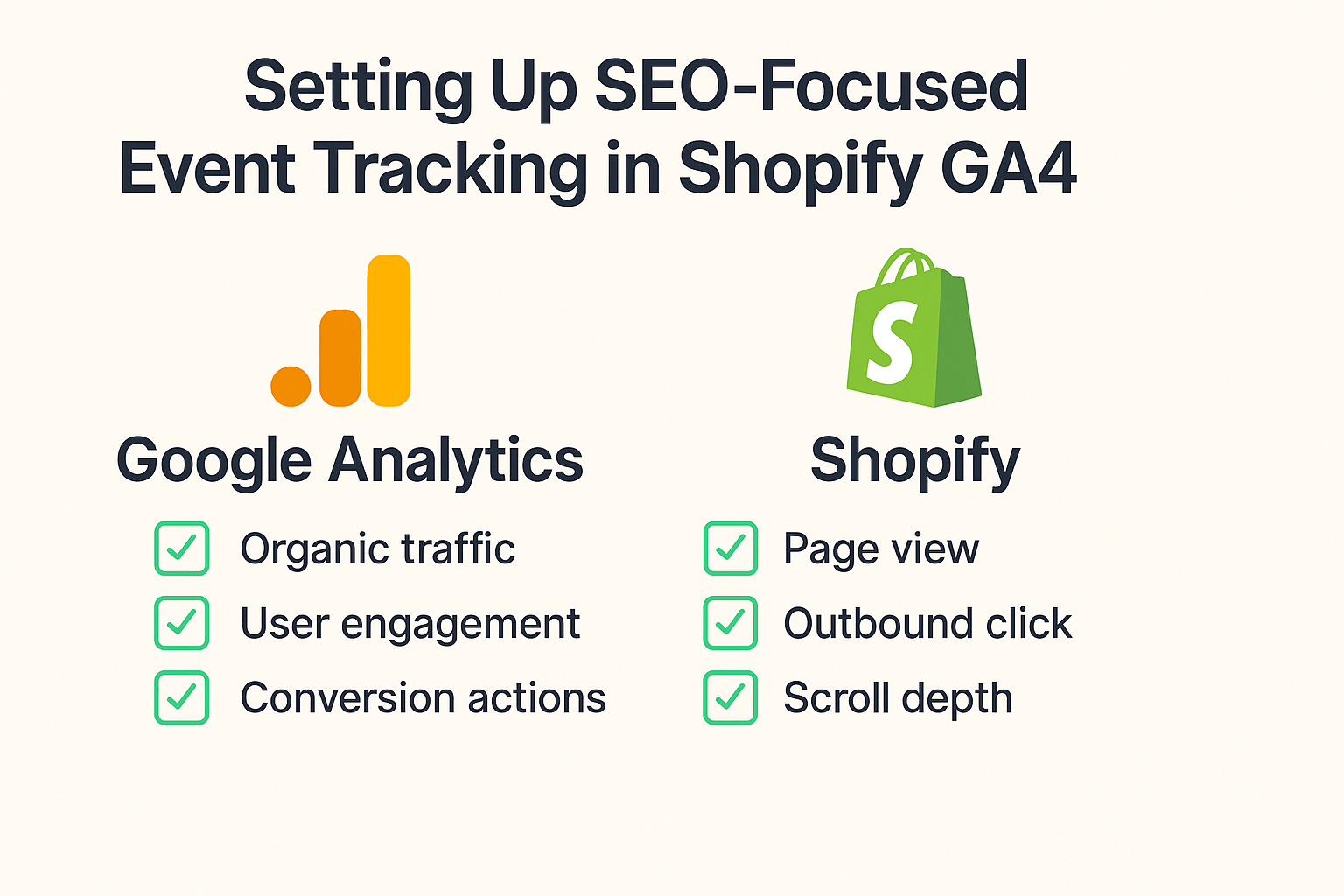
Begin by ensuring your GA4 property is properly connected to your Shopify store through Google Tag Manager or the native Shopify integration. The key is selecting “Enable Enhanced Measurement” during setup, which automatically tracks scroll events, outbound clicks, site search, and video engagement.
Access your GA4 property and navigate to Admin > Data Streams > Web. Here, you’ll find the Enhanced Measurement toggle that activates automatic event tracking for common interactions. However, for comprehensive e-commerce tracking, you’ll need to implement custom events that align with your specific business goals.
Step 2: Implement Custom Event Tracking for E-commerce Actions
Custom events provide the granular data needed for advanced SEO optimization. Create events for product views, category browsing, search queries, and promotional interactions. Each event should include relevant parameters that help you understand user behavior patterns.
For product view events, include parameters like product name, category, price, and availability. This data helps optimize product pages for better search visibility and user experience. Category browsing events reveal navigation patterns that inform your site architecture and internal linking strategy.
Step 3: Set Up Conversion Goals That Align with SEO Objectives
Define conversion goals that extend beyond purchases to include SEO-relevant actions like content engagement, social shares, and return visits. These micro-conversions often precede major purchases and provide early indicators of content effectiveness.
Create goals for newsletter signups, account creation, wishlist additions, and review submissions. Each of these actions contributes to your site’s authority and user engagement metrics, which directly influence search engine rankings.
What Are the Most Critical Events for Shopify Store Owners?
Product Performance Events: Understanding Your Best Sellers
Track individual product performance through view events, add-to-cart rates, and purchase completion rates. This data reveals which products drive the most organic traffic and conversions, helping you prioritize SEO efforts for maximum impact.
High-performing products often benefit from expanded content, additional images, and targeted keyword optimization. Use GA4 data to identify products with high view rates but low conversion rates – these represent optimization opportunities that can significantly boost revenue.
Site Search Events: Uncovering Hidden Keyword Opportunities
Internal site search tracking reveals what customers actually want to find on your store. These search queries often represent high-intent keywords that you might not have considered for your SEO strategy. Implement site search event tracking to capture these valuable insights.
Analyze search terms that return few or no results – these represent content gaps that could be filled with new product pages or blog content. Successful implementation of site search insights typically increases organic traffic by 20-30% within six months.
User Engagement Events: Building Authority and Trust
Track scroll depth, time on page, and content interaction events to understand how users engage with your store. High engagement metrics signal to search engines that your content provides value, which can improve rankings for competitive keywords.
Monitor video play events, image zoom interactions, and tab clicks on product pages. This behavioral data helps optimize page layouts and content presentation for both user experience and search engine visibility.
Which GA4 Reports Matter Most for SEO Decision Making?
The Acquisition Reports: Understanding Traffic Sources
GA4’s acquisition reports provide detailed insights into how organic traffic interacts with your store compared to other channels. Use these reports to identify which organic landing pages drive the most valuable traffic and which need optimization attention.
Focus on the “Traffic acquisition” report to understand channel performance and the “User acquisition” report to analyze first-touch attribution. This data helps allocate SEO resources to the most impactful areas of your store.
The Engagement Reports: Measuring Content Effectiveness
Engagement reports reveal which pages keep visitors interested and which cause them to leave quickly. High engagement pages often rank better in search results, making these reports crucial for SEO strategy development.
Use the “Pages and screens” report to identify top-performing content and the “Events” report to understand specific user actions. This combination provides a complete picture of how SEO traffic behaves on your site.
The Conversion Reports: Connecting SEO to Revenue
Conversion reports directly link your SEO efforts to business outcomes. Track which organic keywords and landing pages generate the most valuable customers, not just the most traffic. This data justifies SEO investments and guides future optimization priorities.
Set up custom conversion reports that segment organic traffic by device, location, and user type. This granular analysis helps optimize for specific audience segments and local market opportunities.
How to Connect GA4 Data with Your SEO Strategy
Identifying Content Gaps Through Event Data
Use GA4 event data to identify pages with high traffic but low engagement, which often indicate content quality issues. These pages represent immediate optimization opportunities that can improve both user experience and search rankings.
Analyze the path users take through your site using GA4’s path exploration report. This reveals how organic traffic flows through your store and highlights opportunities for better internal linking and navigation optimization.
Optimizing for User Intent Based on Behavior Patterns
GA4 event data reveals the true intent behind organic search visits. Users who immediately navigate to specific product categories show commercial intent, while those who browse multiple pages may be in research mode. Tailor your content and optimization strategies accordingly.
Create audience segments based on behavior patterns to personalize the user experience and improve conversion rates. Higher conversion rates from organic traffic positively influence your search engine rankings over time.
Using Performance Data to Guide Technical SEO
Event tracking data often reveals technical issues that impact both user experience and SEO performance. Slow-loading pages, broken forms, and navigation problems all show up in GA4 event data before they significantly impact rankings.
Monitor page load times through GA4’s page timing events and correlate this data with bounce rates and conversion rates. Fast-loading pages typically see 20-30% higher conversion rates and better search engine rankings.
Advanced Event Tracking Strategies for Competitive Advantage
Cross-Domain Tracking for Multi-Platform Businesses
Many successful Shopify stores expand to multiple platforms or use separate domains for different product lines. Implement cross-domain tracking to understand the complete customer journey and optimize each touchpoint for maximum SEO value.
Configure GA4 to track users across your main store, blog, and any sub-domains. This comprehensive view helps identify which content drives traffic to your main e-commerce pages and informs your content marketing strategy.
Custom Dimensions for Deeper SEO Insights
Set up custom dimensions to track SEO-specific data like landing page categories, traffic source quality, and customer segments. These dimensions provide the granular data needed for advanced SEO optimization and competitive analysis.
Track custom dimensions for seasonal campaigns, product launches, and promotional periods to understand how these events impact organic search performance. This data helps plan future SEO strategies around business cycles.
Attribution Modeling for Multi-Touch SEO Campaigns
Modern customers rarely convert on their first visit. Use GA4’s attribution models to understand how organic search fits into longer conversion paths and allocate SEO resources accordingly.
Compare first-click and last-click attribution for organic traffic to understand whether SEO serves primarily as an acquisition channel or a conversion catalyst. This insight helps balance top-of-funnel and bottom-of-funnel SEO strategies.
Common Mistakes to Avoid When Setting Up Shopify GA4 Tracking
Over-Tracking: When More Data Becomes Less Insight
Many store owners make the mistake of tracking every possible interaction, creating data overload that obscures important insights. Focus on events that directly relate to your business goals and SEO objectives rather than tracking everything possible.
Limit custom events to those that provide actionable insights for optimization. Too many events can slow down your site and make data analysis more difficult, potentially hurting both user experience and SEO performance.
Ignoring Data Privacy and Compliance Requirements
With increasing privacy regulations, ensure your event tracking complies with GDPR, CCPA, and other relevant laws. Improper data collection can result in penalties and damage your brand reputation, which negatively impacts SEO performance.
Implement proper consent management and data retention policies. Transparent privacy practices build customer trust, which can improve engagement metrics and organic search performance.
Failing to Connect GA4 Data with Search Console
Google Search Console and GA4 provide complementary data that’s more powerful when used together. Connect these tools to understand how search performance relates to on-site behavior and conversion patterns.
Use Search Console data to identify trending keywords and GA4 data to understand how traffic from those keywords behaves on your site. This combination provides complete visibility into your organic search performance.
Taking Action: Your Next Steps for GA4 Event Tracking Success
Now that you understand the importance and implementation of SEO-focused event tracking in GA4, it’s time to take action. Start by auditing your current tracking setup and identifying gaps that may be costing you valuable insights and conversions.
Begin with the essential events: purchases, add-to-cart actions, and form submissions. These provide immediate value and help justify the time invested in more advanced tracking configurations. As you become comfortable with basic event tracking, gradually add more sophisticated measurements that align with your specific business goals.
Remember that effective event tracking is an ongoing process, not a one-time setup. Regular analysis and optimization of your tracking configuration ensures you’re always capturing the most valuable data for your SEO and business objectives.
The combination of technical expertise and strategic thinking that goes into proper GA4 event tracking is what separates successful e-commerce stores from those that struggle to grow. When you implement these strategies consistently, you’re not just improving your analytics – you’re building a competitive advantage that compounds over time.
Your Shopify store’s success depends on understanding your customers’ behavior and optimizing their experience at every touchpoint. With proper GA4 event tracking in place, you’ll have the insights needed to make data-driven decisions that drive both SEO performance and business growth.