


You’ve spent months perfecting your Shopify store, curating products, and crafting compelling descriptions. Yet your products barely show up in Google Shopping results while your competitors dominate the space. Sound familiar? The missing piece isn’t your products or prices—it’s the technical bridge between your Shopify store and Google’s systems.
After eight years of providing Shopify SEO services to hundreds of e-commerce businesses, I’ve witnessed firsthand how proper schema markup and Google Merchant Center synchronization can transform struggling stores into traffic magnets. In fact, businesses that correctly implement structured data see an average 30% increase in click-through rates and a 25% boost in organic visibility within the first quarter.
Whether you’re running a boutique jewelry store or scaling a multi-product empire, understanding the relationship between Shopify schema and Google Merchant Center isn’t just technical jargon—it’s your competitive advantage in today’s crowded e-commerce landscape.
What Exactly Is Shopify Schema and Why Should You Care?
Schema markup is essentially a shared vocabulary that helps search engines understand your product information better. Think of it as a translator between your Shopify store and Google’s crawlers. When implemented correctly, schema tells Google exactly what you’re selling, at what price, and whether it’s in stock—without any guesswork.
For Shopify stores, the most crucial schema types include Product, Offer, Organization, and Review schemas. These structured data formats help your products appear in rich snippets, Google Shopping results, and local search features. According to Search Engine Land, pages with schema markup rank an average of four positions higher than those without.
The beauty of modern Shopify themes is that many come with basic schema markup built-in. However, this default implementation often misses critical optimization opportunities that can significantly impact your SEO Services strategy and overall search performance.
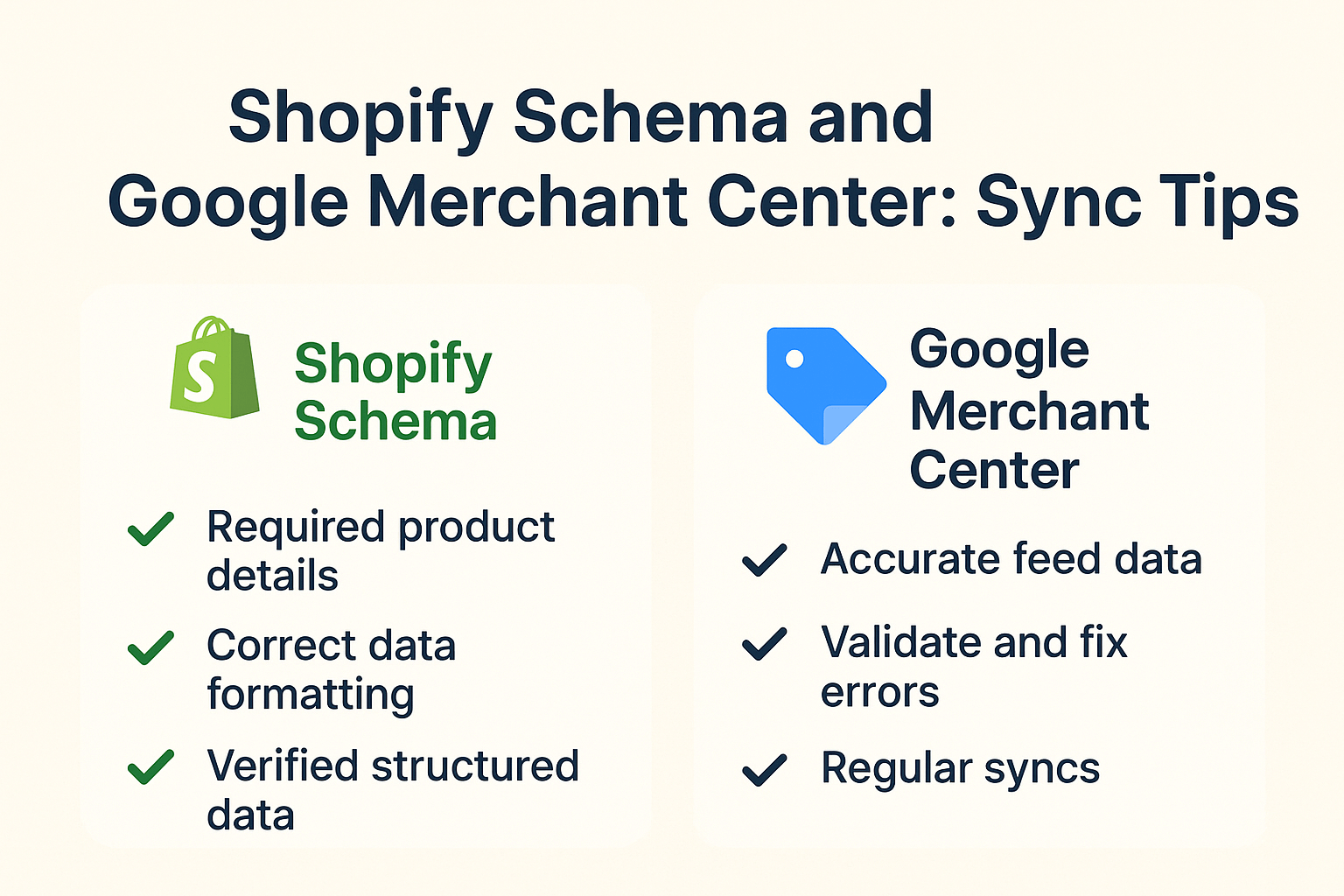
How Does Google Merchant Center Connect to Your Shopify Success?
Google Merchant Center serves as the control hub for your product data across Google’s ecosystem. It’s where your Shopify product information gets processed, verified, and distributed to Google Shopping, Gmail promotions, and even YouTube product shelves.
Here’s where it gets interesting: Google Merchant Center doesn’t just pull random data from your store. It specifically looks for structured data signals—your schema markup—to understand and categorize your products. This connection forms the backbone of successful Ecommerce SEO strategies.
When your Shopify schema and Merchant Center data align perfectly, Google gains confidence in your product information. This confidence translates to better ad placement, higher organic rankings, and increased visibility across multiple Google platforms. Stores with properly synchronized data report up to 40% more qualified traffic compared to those with misaligned systems.
Why Your Current Setup Might Be Failing You
Most Shopify store owners assume that installing a Google Shopping app automatically handles everything. Unfortunately, this assumption leads to common synchronization failures that can tank your visibility. During my SEO Audit processes, I regularly encounter these critical issues:
Product titles in your Shopify store don’t match your Merchant Center feed, creating confusion for Google’s algorithms. Pricing discrepancies between your schema markup and actual product prices trigger policy violations. Missing or incorrect GTIN (Global Trade Item Numbers) prevent your products from appearing in competitive shopping results.
Inventory sync delays cause Google to show out-of-stock products in shopping ads, wasting your advertising budget and frustrating potential customers. Category mismatches between Shopify collections and Google’s product taxonomy limit your reach to relevant shoppers.
These seemingly small technical gaps compound over time, significantly impacting your store’s overall search performance and revenue potential.
What Products Benefit Most from Proper Schema Implementation?
Not all products are created equal in Google’s eyes. Fashion items, electronics, home goods, and beauty products typically see the most dramatic improvements from proper schema implementation. These categories benefit from rich product information like size, color, brand, and availability status.
Seasonal products require special attention to schema timing. Holiday decorations, summer gear, and back-to-school items need precise availability and seasonal category markup to capture time-sensitive search demand. Local businesses selling products both online and in-store should prioritize LocalBusiness schema alongside their product markup.
High-value items like jewelry, electronics, and furniture particularly benefit from review schema implementation. Products with review stars in search results see click-through rates that are 35% higher than those without visual rating indicators.
Step-by-Step Schema Optimization for Your Shopify Store
Start by auditing your current schema implementation using Google’s Rich Results Test tool. Simply input your product URLs and identify missing or incorrect structured data elements. Focus on these core schema properties: name, description, image, offers (including price and availability), brand, and SKU information.
For On Page SEO optimization, ensure your product titles in schema match your actual page titles. Descriptions should be unique for each product and include relevant keywords naturally. High-quality images with proper alt text improve both accessibility and schema effectiveness.
Price accuracy is non-negotiable. Your schema prices must match your displayed prices exactly, including currency formatting. Availability status should update in real-time—Google penalizes stores that consistently show incorrect stock information.
Brand information strengthens your schema authority, especially for authorized retailers. Even if you’re selling private label products, consistent brand attribution helps Google understand your product catalog structure.
How to Sync Your Merchant Center Like a Pro
Begin by creating a comprehensive product feed that includes all required attributes: ID, title, description, link, image, availability, price, brand, and condition. Optional attributes like color, size, and material can significantly improve your product matching and visibility.
Category mapping demands careful attention. Google’s product taxonomy is specific, and choosing the wrong categories limits your reach. A men’s running shoe belongs in “Apparel & Accessories > Shoes > Athletic Shoes” rather than the generic “Shoes” category.
Set up automatic feed updates to ensure your Merchant Center data stays synchronized with your Shopify inventory. Manual updates create gaps that can result in policy violations and reduced visibility.
Product identifiers like UPC, EAN, or MPN codes should be included whenever available. These unique identifiers help Google match your products with its extensive product database, improving your chances of appearing in comparison shopping results.
Advanced Techniques for Maximum Synchronization Success
Implement custom labels in your product feed to create targeted campaigns and better organize your inventory. Custom labels allow you to group products by profit margin, seasonality, or performance metrics for more strategic advertising.
Use supplemental feeds to add missing information without modifying your main product catalog. This technique is particularly useful for adding promotional information, custom attributes, or correcting data inconsistencies.
Monitor your Merchant Center diagnostics regularly. Google provides detailed feedback about feed quality, policy violations, and optimization opportunities. Address these issues promptly to maintain optimal synchronization.
Consider implementing Semantic SEO principles in your product descriptions. Related keywords and entity-based optimization help Google better understand your products’ context and improve matching with relevant search queries.
Common Mistakes That Kill Your Schema Performance
Duplicate product identifiers across different variants confuse Google’s systems and can result in product disapprovals. Each variant should have unique GTINs or custom identifiers.
Inconsistent pricing between your schema, displayed prices, and Merchant Center feed triggers policy violations. Automated pricing tools should update all three simultaneously.
Generic or keyword-stuffed product titles perform poorly in both organic search and shopping ads. Descriptive, natural titles that clearly identify the product work best.
Ignoring mobile schema performance is a critical oversight. With over 60% of shopping searches happening on mobile devices, your structured data must render correctly across all screen sizes.
Tools and Resources for Ongoing Success
Google’s Merchant Center provides comprehensive reporting tools that show exactly how your products perform across different Google platforms. Regular monitoring helps identify trends and optimization opportunities.
Shopify’s built-in analytics can be supplemented with Google Analytics 4 e-commerce tracking to get a complete picture of your schema and Merchant Center performance. Enhanced e-commerce reporting shows which products benefit most from structured data optimization.
Third-party tools like SEMrush, Ahrefs, and Screaming Frog can help audit your schema implementation at scale. These tools identify missing markup, syntax errors, and optimization opportunities across your entire product catalog.
Local SEO tools become essential if you’re selling products both online and in physical locations. Proper local business schema helps Google connect your online products with local inventory and store information.
Measuring Success: KPIs That Actually Matter
Click-through rates from Google Shopping ads provide immediate feedback on your schema optimization efforts. Well-optimized products typically see CTRs between 2-4%, depending on the category.
Organic visibility improvements in product-related searches indicate successful schema implementation. Track rankings for your primary product keywords and branded search terms.
Conversion rates from Google Shopping traffic often improve with better schema implementation because more accurate product information attracts more qualified shoppers.
Revenue attribution from Google’s various shopping platforms (Shopping ads, free listings, YouTube) shows the comprehensive impact of your synchronization efforts.
Your Action Plan for Implementation
Start with a comprehensive audit of your current schema implementation and Merchant Center setup. Identify gaps between your Shopify data and what Google sees.
Prioritize your best-selling products for immediate schema optimization. These high-traffic items will show results fastest and provide the biggest impact on your revenue.
Set up automated monitoring for your Merchant Center account. Regular check-ins prevent small issues from becoming major problems that affect your entire catalog.
Create a documentation system for your schema and Merchant Center configurations. This documentation becomes invaluable when making updates or troubleshooting issues.
The Bottom Line: Your Competitive Advantage Awaits
Proper synchronization between your Shopify schema and Google Merchant Center isn’t just a technical requirement—it’s your gateway to dominating e-commerce search results. The stores that master this connection don’t just see incremental improvements; they experience transformational growth in visibility, traffic, and revenue.
The e-commerce landscape grows more competitive each day, but the fundamentals of search success remain consistent: give Google the structured, accurate information it needs to showcase your products effectively. When you align your technical implementation with Google’s requirements, you’re not just optimizing for today’s algorithms—you’re future-proofing your business for tomorrow’s opportunities.
Your competitors might be guessing at these optimizations, but you now have the roadmap to implement them systematically. The question isn’t whether schema and Merchant Center sync will improve your results—it’s how quickly you can implement these strategies to capture the traffic and revenue that’s waiting for you.