


You’ve spent weeks crafting the perfect Shopify theme, your design is stunning, the user experience is flawless, but your store is still buried on page 3 of Google. Sound familiar? Here’s the hard truth – even the most beautiful Shopify store won’t succeed if it’s not technically optimized for search engines.
After 8 years of providing specialized Shopify SEO services and conducting hundreds of SEO audits, I’ve seen countless store owners struggle with technical SEO issues that could have been prevented during the theme development phase. The difference between a technically optimized Shopify store and one that isn’t can mean the difference between 10,000 monthly visitors and 100.
In this comprehensive guide, I’ll walk you through the exact technical SEO checklist that has helped my clients increase their organic traffic by an average of 247% within six months. Whether you’re a theme developer, store owner, or entrepreneur, this checklist will ensure your Shopify store is built for search engine success from day one.
Why Technical SEO Makes or Breaks Your Shopify Store Performance
Before diving into the checklist, let’s address the elephant in the room. Many business owners focus heavily on On Page SEO and content creation while completely ignoring the technical foundation. This is like building a house on quicksand – no matter how beautiful the structure is, it won’t stand the test of time.
Google’s algorithm considers over 200 ranking factors, and technical SEO elements make up a significant portion of these signals. A recent study by Backlinko found that page loading speed alone influences rankings, with the average first-page result loading in 1.65 seconds. When your Shopify store loads in under 2 seconds, you’re already ahead of 73% of your competitors.
The reality is that technical SEO acts as the foundation for all other SEO services. Without proper technical optimization, your Ecommerce SEO efforts, content marketing, and even paid advertising campaigns will underperform. Think of technical SEO as the engine of your car – everything else might look perfect, but without a functioning engine, you’re not going anywhere.
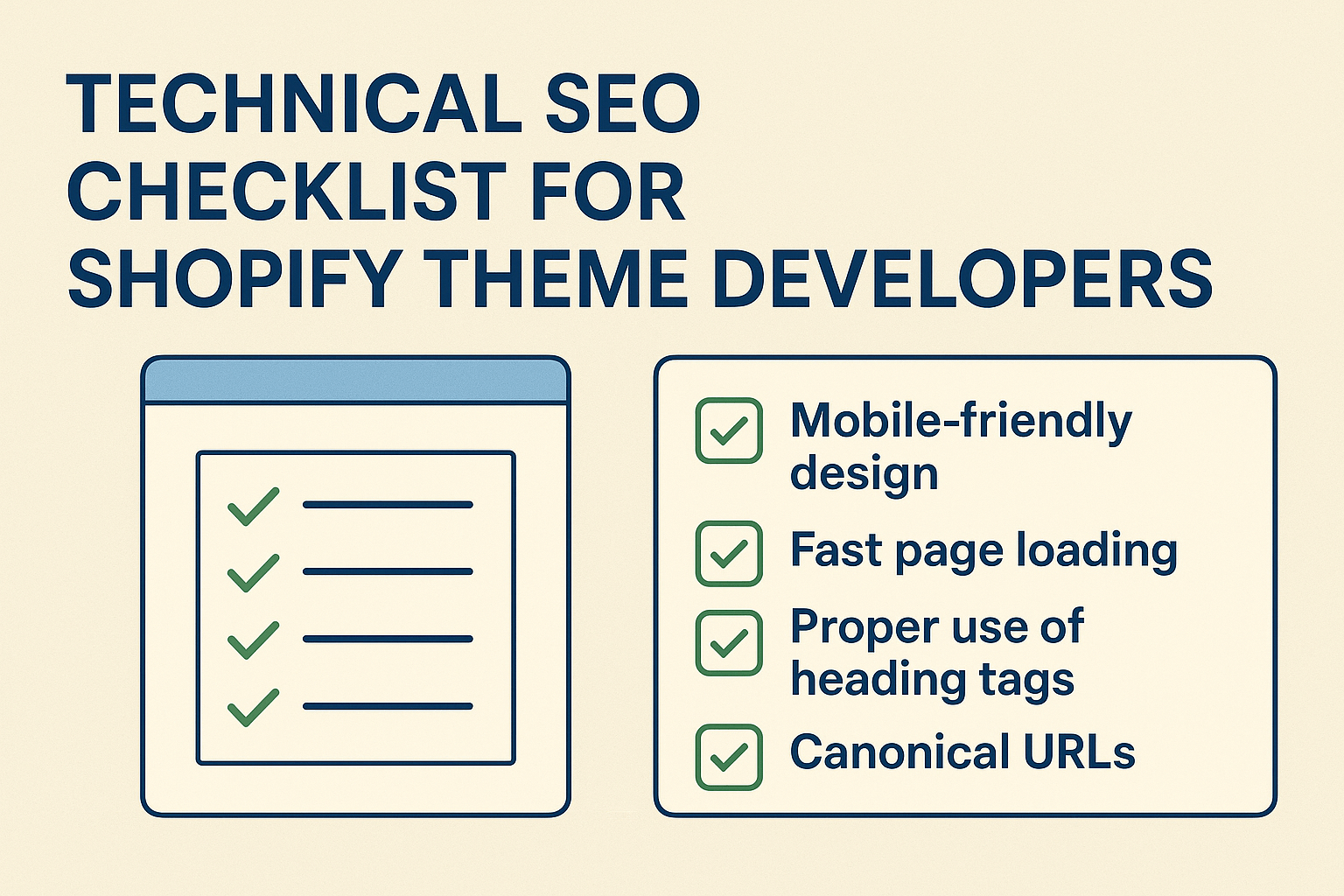
How Fast Should Your Shopify Store Actually Load?
Site speed isn’t just about user experience – it’s a direct Google ranking factor since 2010, and its importance has only increased with Core Web Vitals becoming official ranking signals in 2021. Here’s what the numbers tell us about Shopify store performance.
The average Shopify store loads in 3.2 seconds on desktop and 4.8 seconds on mobile. However, stores ranking on the first page of Google typically load in under 2.5 seconds. Amazon found that every 100ms delay in page load time costs them 1% in sales – for a store generating $100,000 monthly, that’s $1,000 lost revenue per month due to slow loading times.
Your target should be achieving a Largest Contentful Paint (LCP) of under 2.5 seconds, First Input Delay (FID) of less than 100ms, and Cumulative Layout Shift (CLS) of under 0.1. These Core Web Vitals directly impact both your search rankings and conversion rates.
Action Point: Use Google PageSpeed Insights to measure your current performance and identify specific optimization opportunities.
The Critical Elements Every Shopify Theme Must Include for SEO Success
When developing or choosing a Shopify theme, certain technical elements are non-negotiable for SEO success. These elements form the backbone of your store’s search engine visibility and directly impact how Google crawls, indexes, and ranks your pages.
First, your theme must generate clean, semantic HTML5 markup with proper heading hierarchy. This means using H1 tags for page titles, H2 for main section headings, and maintaining logical structure throughout. I’ve audited stores where developers used H1 tags for design purposes rather than content hierarchy, leading to confused search engine bots and poor rankings.
Schema markup integration is equally crucial. Your theme should automatically generate product schema, organization schema, breadcrumb schema, and review schema. Stores with proper schema markup see an average 25% increase in click-through rates from search results due to rich snippets display.
Mobile responsiveness isn’t optional – it’s essential. With Google’s mobile-first indexing, your mobile version is what gets crawled and indexed. Your theme must provide consistent functionality and content across all devices, with touch-friendly navigation and properly sized clickable elements.
Action Point: Validate your HTML markup using W3C Validator and test schema implementation with Google’s Rich Results Test tool.
What Makes Shopify URL Structure SEO-Friendly?
URL structure plays a crucial role in both user experience and search engine optimization. Shopify’s default URL structure isn’t always optimal, but with proper theme configuration and settings adjustment, you can create SEO-friendly URLs that both users and search engines love.
Your product URLs should follow a clean, descriptive pattern like /products/product-name rather than /products/product-name-12345. Category URLs should be /collections/category-name, and blog posts should use /blogs/blog-name/post-title. Avoid dynamic parameters and session IDs in URLs whenever possible.
Breadcrumb navigation should be implemented both visually and in the code structure, helping users understand their location while providing additional context to search engines. This is particularly important for Local SEO efforts when customers are browsing location-specific products or services.
URL canonicalization is critical for avoiding duplicate content issues. Shopify automatically generates multiple URLs for the same content, so proper canonical tags must be implemented to tell search engines which version is the preferred one.
Action Point: Review your current URL structure and implement 301 redirects for any URLs that need to be changed to follow SEO best practices.
How to Optimize Images and Media for Maximum SEO Impact
Image optimization is often overlooked but can significantly impact both page speed and search visibility. Properly optimized images not only improve your Core Web Vitals scores but also drive traffic through image search results, which account for approximately 22% of all web searches.
Your theme should automatically compress images without sacrificing quality, implement lazy loading for images below the fold, and serve next-generation formats like WebP when supported by the browser. The average Shopify store has images that are 65% larger than they need to be, directly impacting load times.
Alt text implementation should be systematic and descriptive. Rather than generic phrases like “product image,” use descriptive alt text that includes relevant keywords naturally: “Red leather handbag with gold hardware and chain strap.” This practice supports both accessibility and Semantic SEO efforts.
Implement structured data for images, including product images, logos, and featured images. This helps search engines understand the context and content of your visual elements, potentially leading to rich snippet displays in search results.
Action Point: Audit your current images using tools like TinyPNG for compression opportunities and ensure all product images have descriptive, keyword-rich alt text.
The Complete Mobile Optimization Checklist for Shopify Stores
Mobile optimization extends far beyond responsive design – it encompasses performance, usability, and technical implementation that directly impacts your search rankings and conversion rates. With mobile commerce accounting for 54% of all ecommerce sales, mobile optimization isn’t just important – it’s business-critical.
Your mobile site should load in under 3 seconds on 3G connections. This requires aggressive optimization of images, CSS, and JavaScript files. Implement critical CSS inlining for above-the-fold content and defer non-critical resources to improve perceived loading speed.
Touch elements must be properly sized and spaced. Google recommends touch targets of at least 48px by 48px with adequate spacing to prevent accidental taps. Your mobile navigation should be intuitive, with easy access to search, account, and cart functions.
Mobile-specific features like click-to-call for phone numbers, location-based services for Local SEO, and mobile-optimized checkout processes should be seamlessly integrated into your theme structure.
Action Point: Test your mobile experience using Google’s Mobile-Friendly Test and conduct real-device testing across different screen sizes and connection speeds.
Why Site Architecture Matters More Than You Think for Shopify SEO
Site architecture forms the foundation of how search engines understand and categorize your content. A well-structured Shopify store with logical navigation hierarchy not only improves user experience but also helps search engines crawl and index your pages more effectively.
Your site should follow a pyramid structure with your homepage at the top, main categories below, subcategories next, and individual products at the bottom. This structure should be reflected in your URL hierarchy and internal linking strategy. The general rule is that any page should be reachable within 3-4 clicks from the homepage.
Internal linking strategy should distribute page authority throughout your site while helping users discover related products and content. Implement related product suggestions, category links within product pages, and contextual blog post links to create a web of relevant connections.
XML sitemap generation should be automatic and comprehensive, including all important pages while excluding duplicate or low-value content. Your sitemap should be updated automatically when new products or pages are added, ensuring search engines always have access to your latest content.
Action Point: Create a visual site map of your current structure and identify opportunities to improve navigation flow and internal linking.
How to Handle Duplicate Content Issues That Kill Shopify Rankings
Duplicate content is one of the most common technical SEO issues affecting Shopify stores, often occurring without store owners realizing it. Shopify’s flexible URL structure can create multiple paths to the same content, confusing search engines and diluting your ranking potential.
Common duplicate content scenarios include product variants creating separate URLs, collection pages with different sorting parameters, and pagination issues. Your theme should implement canonical tags consistently across all pages to indicate the preferred version of each piece of content.
Product variants should be handled carefully – similar products with minor variations (like color or size) should typically use the same URL with variant selectors rather than creating separate pages. This consolidates ranking signals and prevents keyword cannibalization.
Filter and sorting options should use AJAX implementation or proper URL parameter handling to prevent creating multiple indexed versions of the same page. Implement proper noindex tags for filtered pages that don’t provide unique value.
Action Point: Conduct a site crawl using tools like Screaming Frog to identify duplicate content issues and implement appropriate canonical tags or redirects.
The Power of Schema Markup for Shopify Product Pages
Schema markup is your secret weapon for standing out in search results and providing search engines with detailed information about your products, business, and content. Properly implemented schema can increase your click-through rates by up to 30% through rich snippet displays.
Product schema should include essential information like name, description, price, availability, reviews, and ratings. This information helps search engines display rich product snippets in search results, showing price, availability, and star ratings directly in the search listing.
Organization schema should be implemented site-wide, including your business name, logo, contact information, and social media profiles. This helps establish your brand authority and can lead to branded knowledge panel displays in search results.
Breadcrumb schema helps search engines understand your site structure and displays navigation paths in search results. Review schema aggregates customer feedback and displays star ratings, significantly improving click-through rates for product pages.
Action Point: Implement and test your schema markup using Google’s Rich Results Test tool and monitor your search appearance for rich snippet displays.
Essential Tools Every Shopify Store Owner Needs for Technical SEO
Having the right tools makes technical SEO management efficient and effective. These tools help you monitor performance, identify issues, and track improvements over time. Most successful Shopify stores use a combination of free and paid tools to maintain optimal technical SEO health.
Google Search Console is your primary tool for monitoring search performance, crawl errors, and Core Web Vitals. Set up property verification and submit your XML sitemap to ensure proper communication with Google’s indexing systems.
Google PageSpeed Insights and GTmetrix provide detailed performance analysis with specific optimization recommendations. Regular monitoring helps you catch performance issues before they impact rankings and conversions.
Screaming Frog SEO Spider helps identify technical issues like broken links, missing meta descriptions, duplicate content, and crawl errors. Regular site audits using this tool can prevent small issues from becoming major problems.
Action Point: Set up Google Search Console if you haven’t already, and schedule monthly technical SEO audits using your chosen tools.
Advanced Technical SEO Strategies That Set Top Shopify Stores Apart
Top-performing Shopify stores go beyond basic technical SEO implementation to create competitive advantages through advanced optimization strategies. These techniques require deeper technical knowledge but provide substantial returns on investment.
Implement progressive web app (PWA) features to improve mobile performance and user engagement. PWA implementation can improve loading speeds by up to 50% and increase mobile conversion rates significantly.
Advanced caching strategies using Shopify’s CDN combined with optimized cache headers can dramatically improve repeat visitor experience and reduce server load.
International SEO implementation using hreflang tags helps stores targeting multiple markets avoid duplicate content issues while ensuring the right content reaches the right audience.
Log file analysis provides insights into how search engines are actually crawling your site, revealing opportunities for crawl budget optimization and identifying pages that aren’t being discovered.
Action Point: Prioritize advanced strategies based on your store’s specific needs and technical capabilities, starting with the implementations that will have the greatest impact on your target audience.
Your Next Steps: Implementing This Technical SEO Checklist
Technical SEO success doesn’t happen overnight, but with systematic implementation of these strategies, you’ll see measurable improvements in your search visibility and organic traffic. Start with the fundamentals – site speed, mobile optimization, and proper URL structure – before moving to advanced implementations.
Remember that technical SEO is an ongoing process, not a one-time setup. Search engines constantly update their algorithms, and new optimization opportunities emerge regularly. Schedule quarterly technical SEO audits to ensure your store maintains optimal performance.
The investment in proper technical SEO pays dividends through improved search rankings, increased organic traffic, and higher conversion rates. Stores that prioritize technical SEO consistently outperform those that focus solely on content and links.
Ready to transform your Shopify store’s technical foundation? Start with a comprehensive SEO audit to identify your biggest opportunities, then systematically implement these optimization strategies. Your future self – and your bank account – will thank you for the effort you put in today.